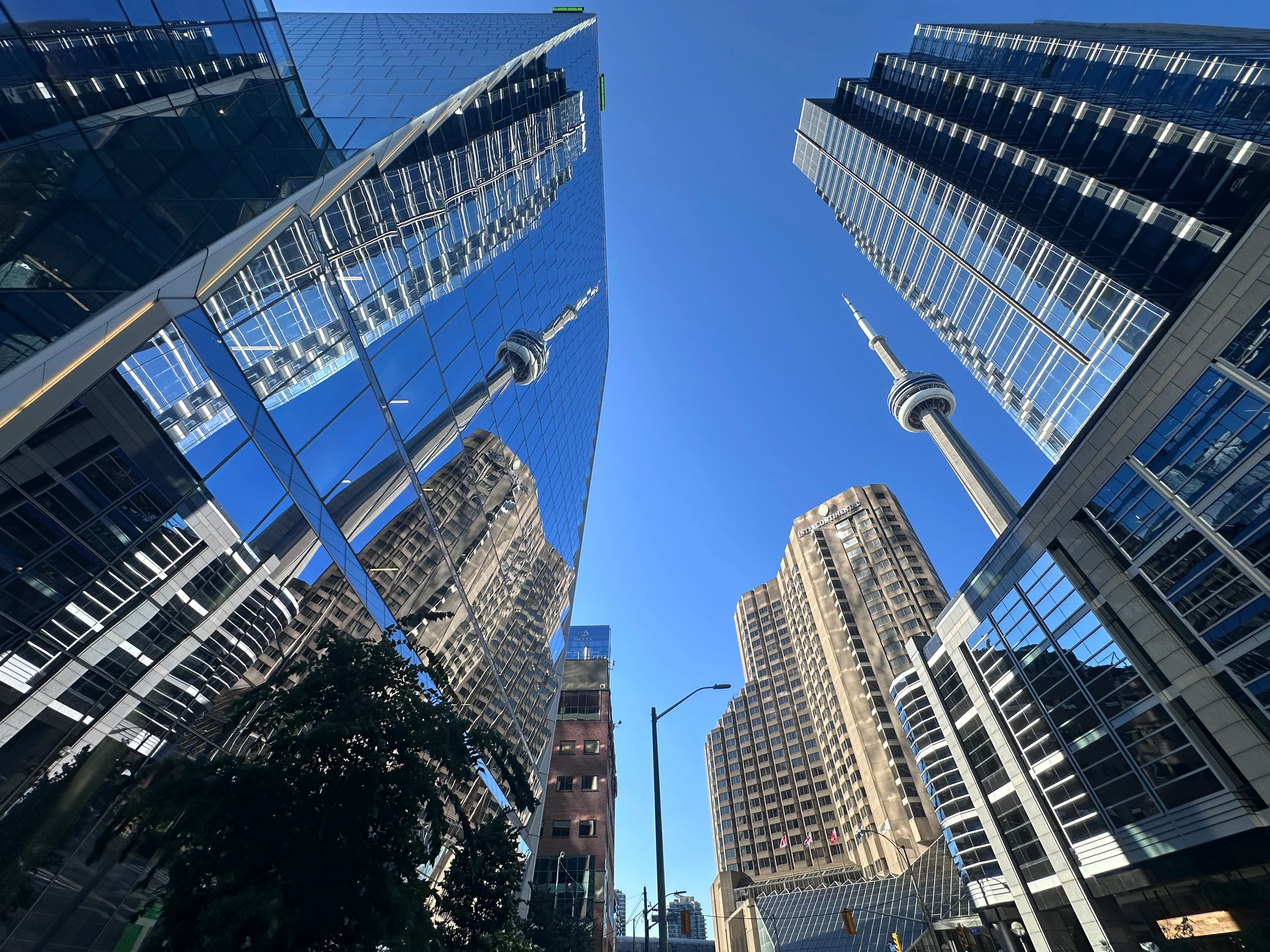
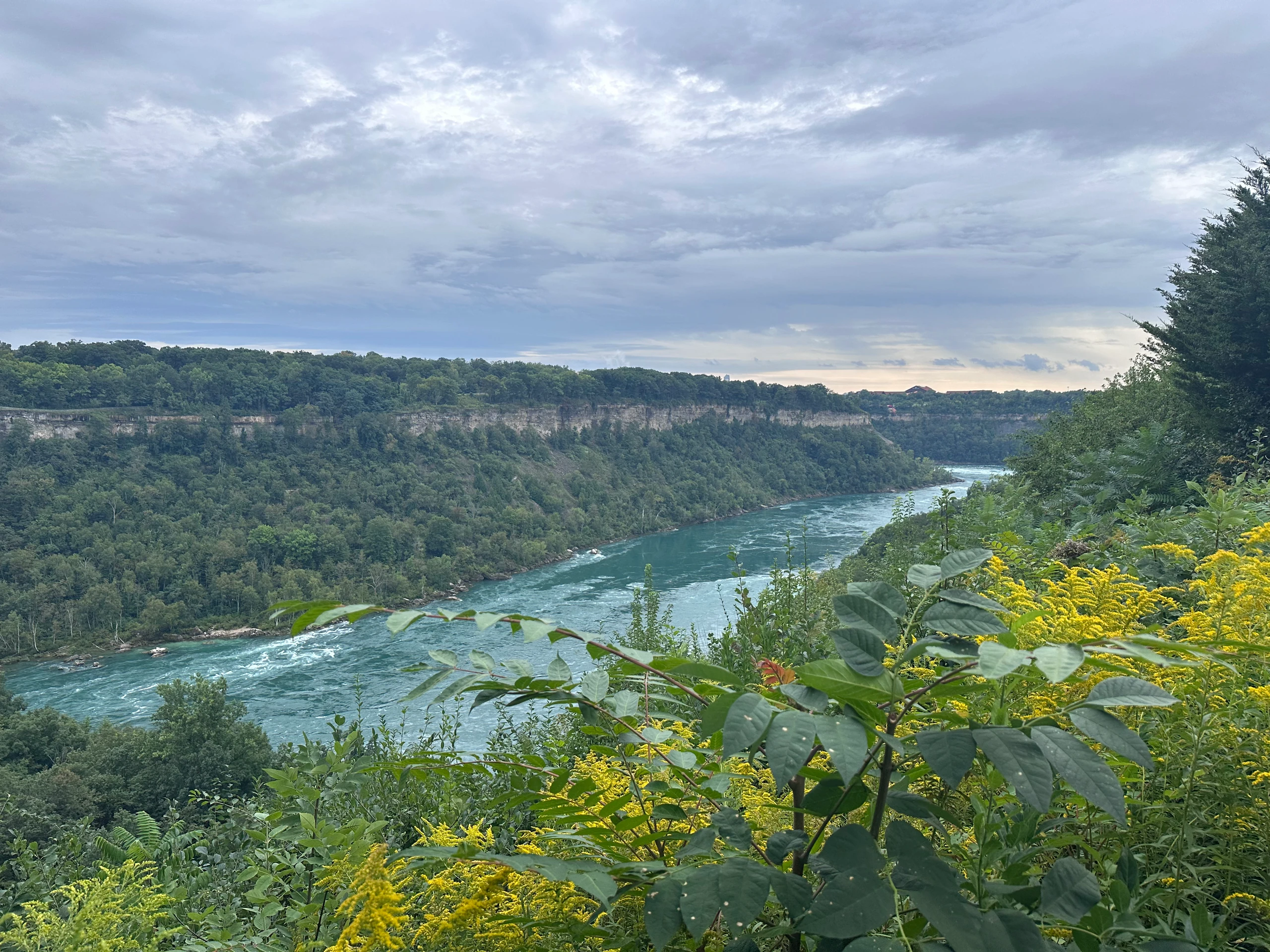
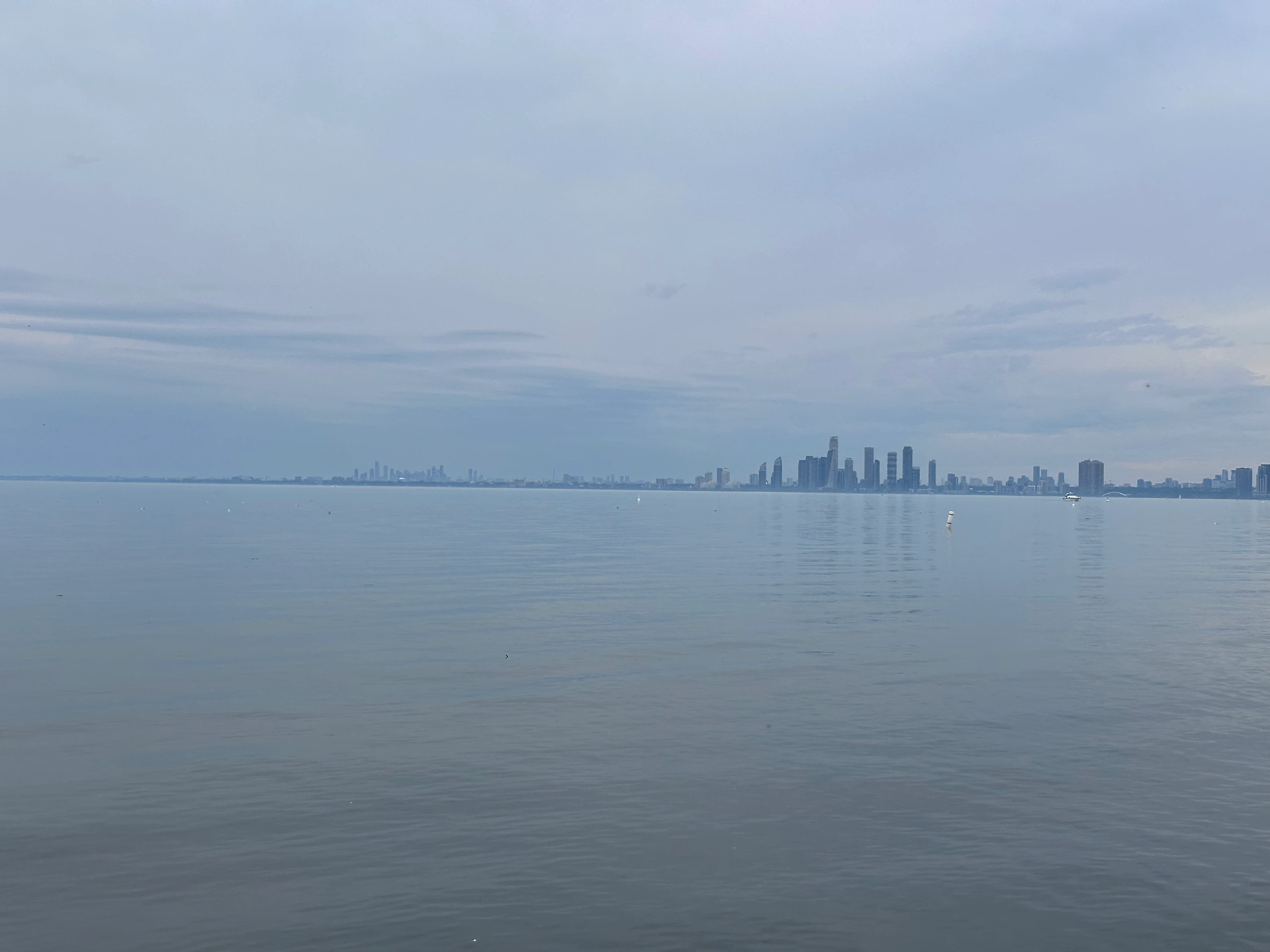
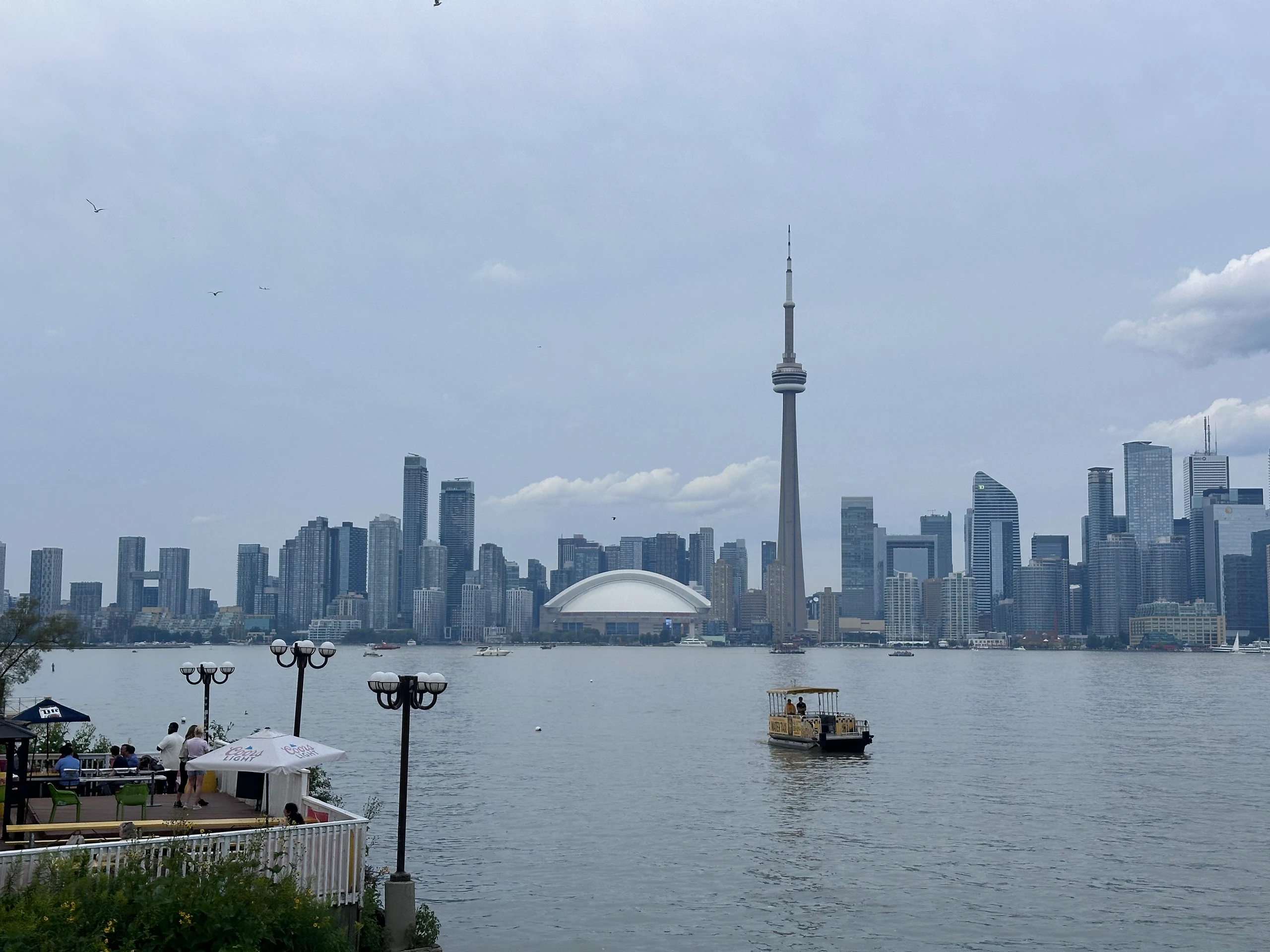
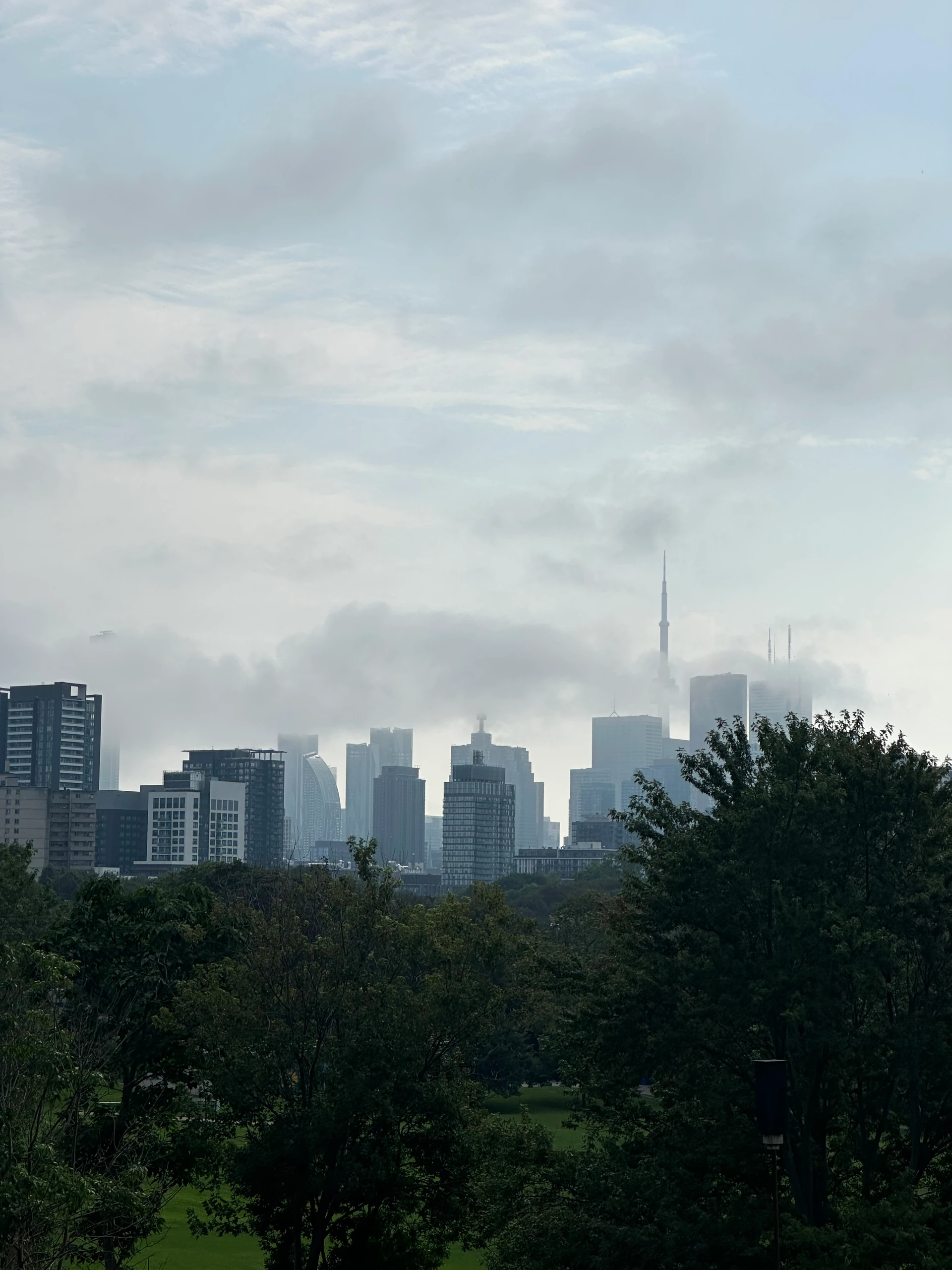
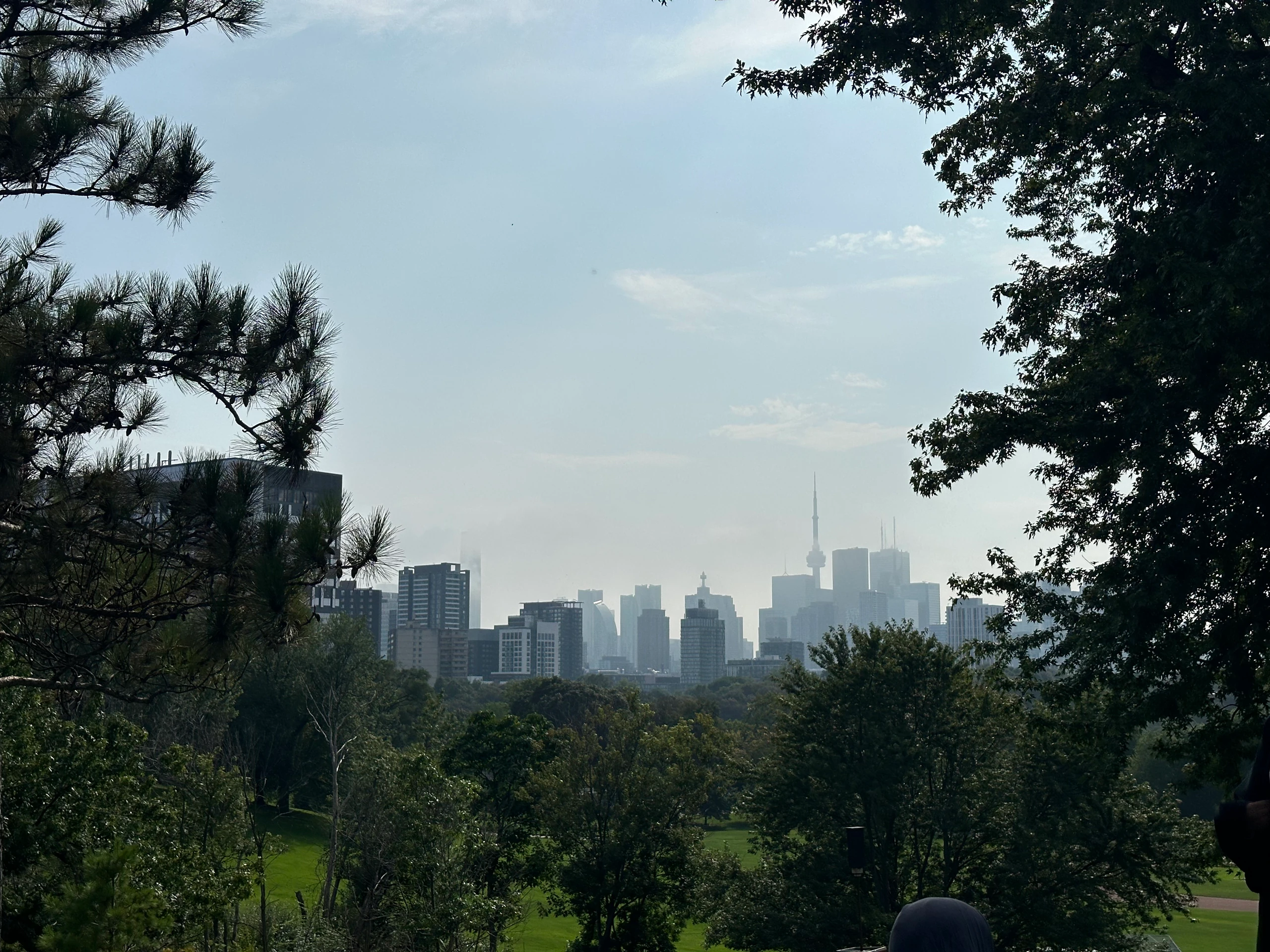
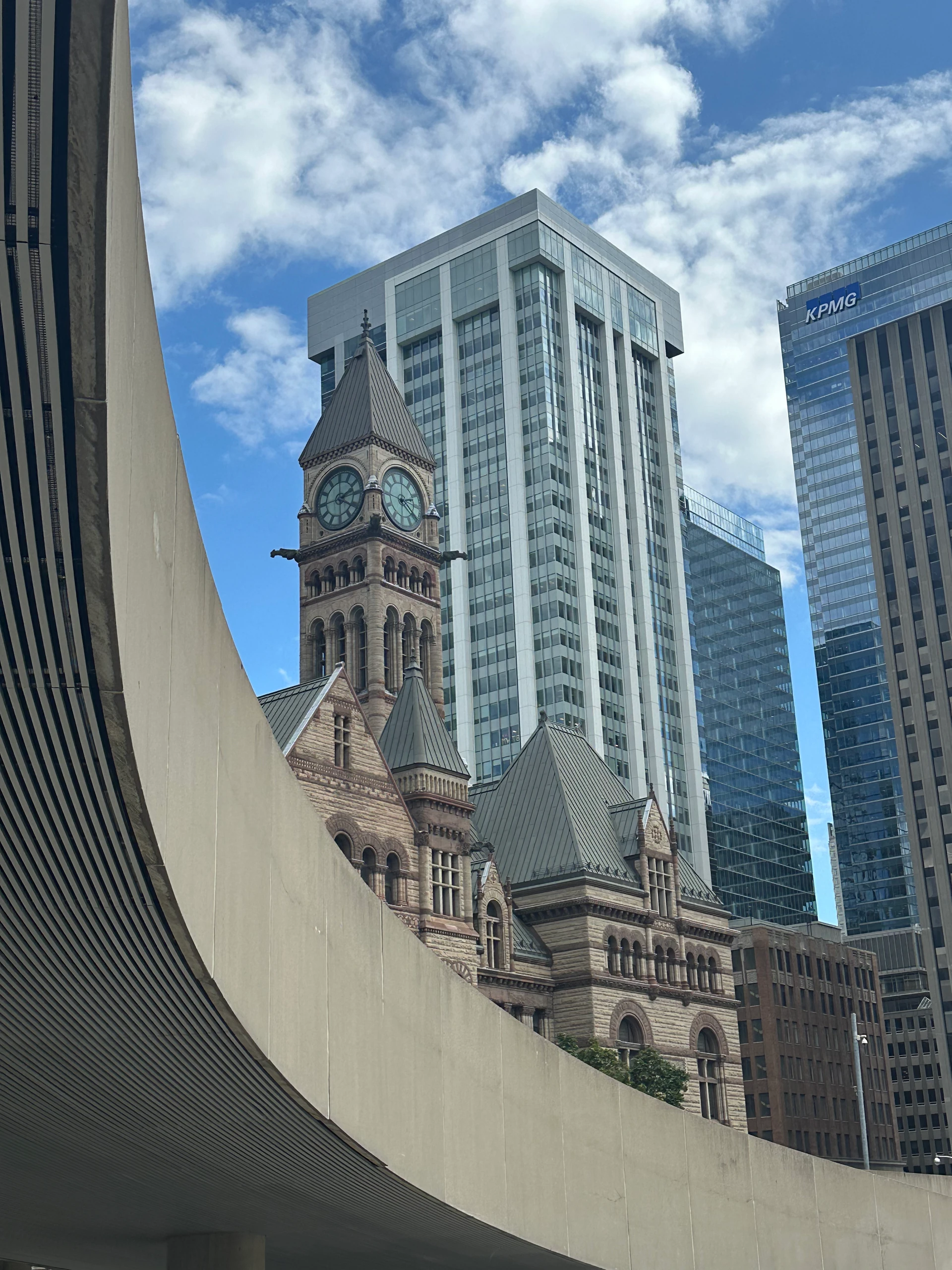
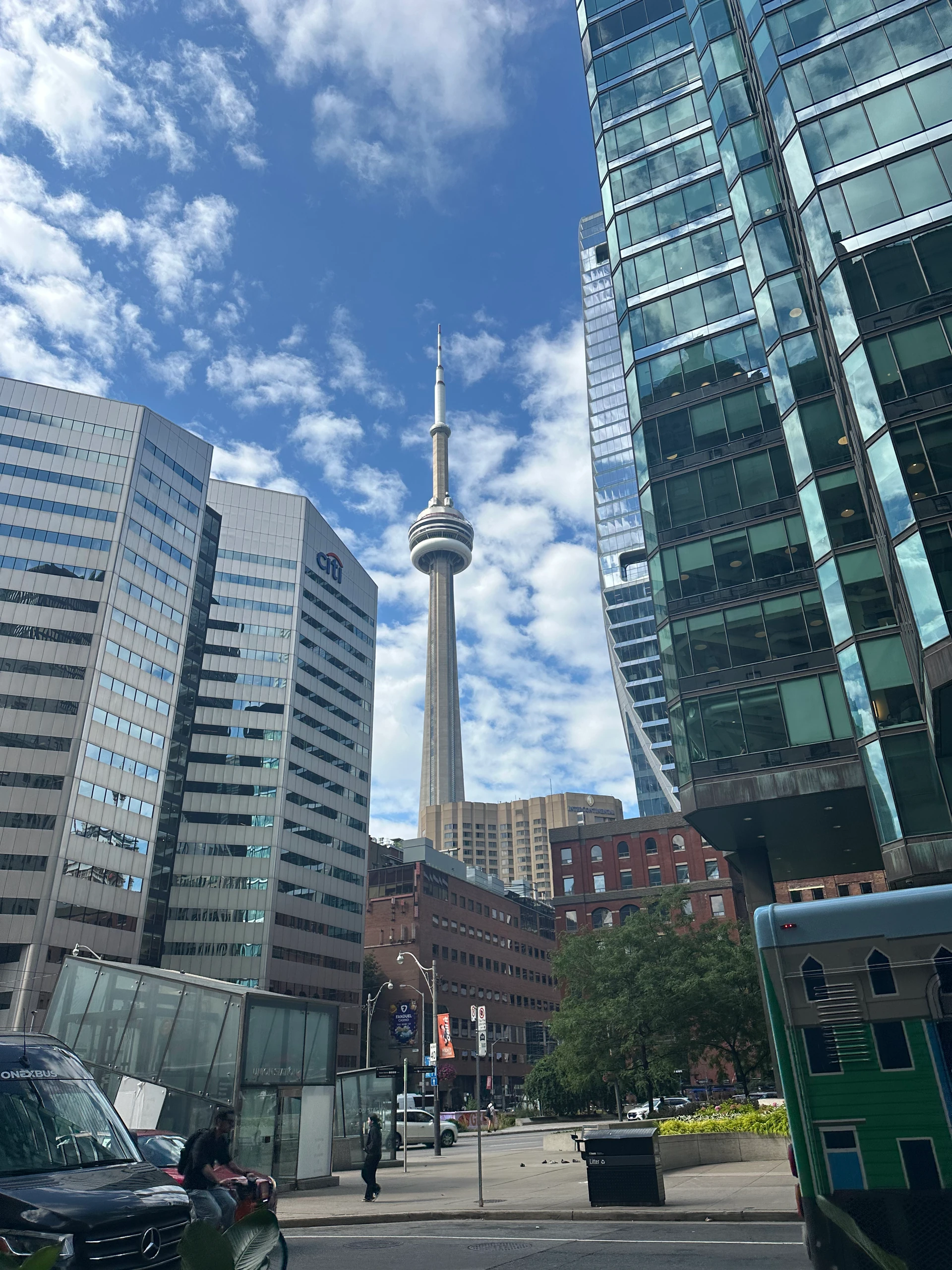
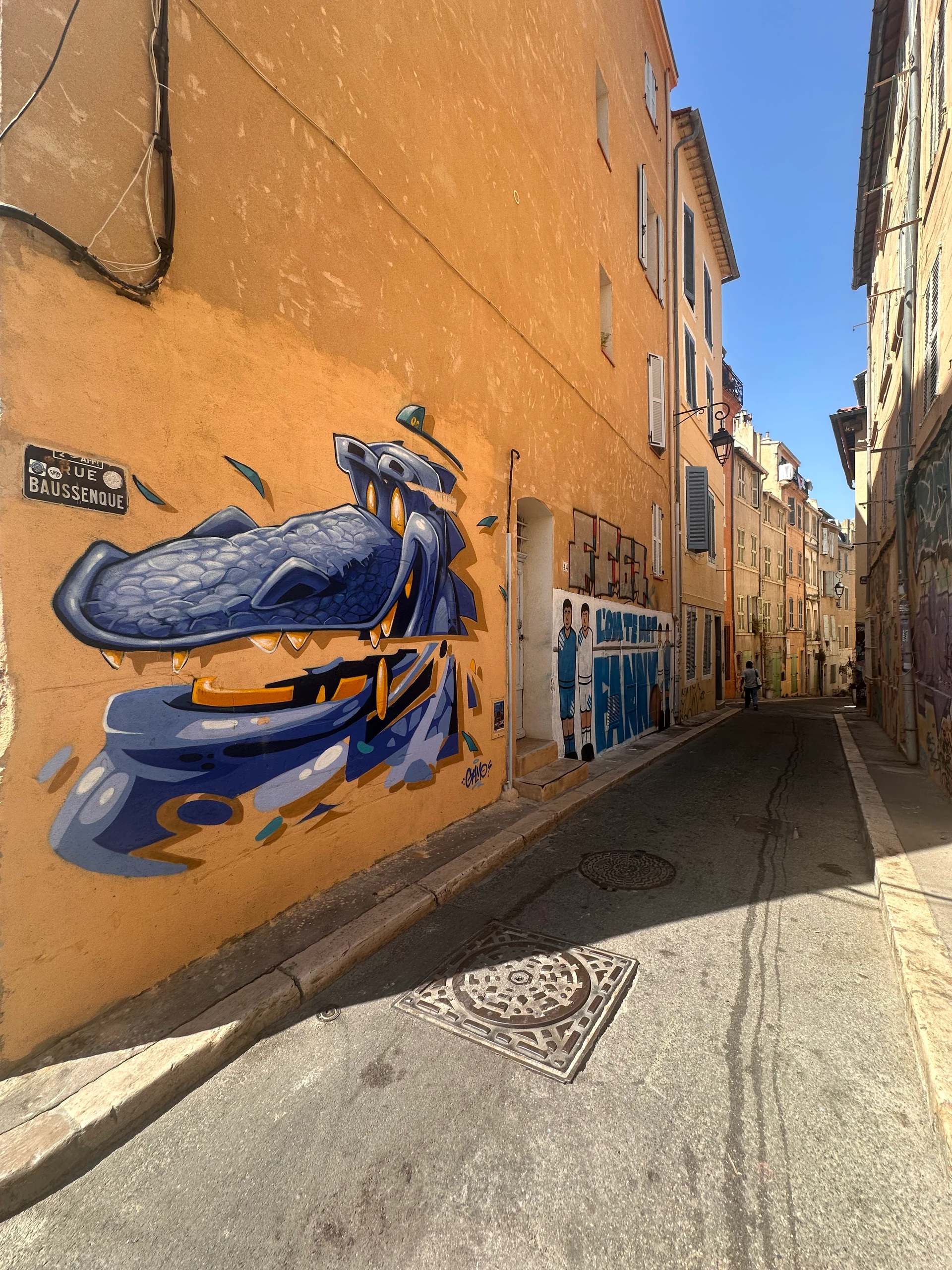
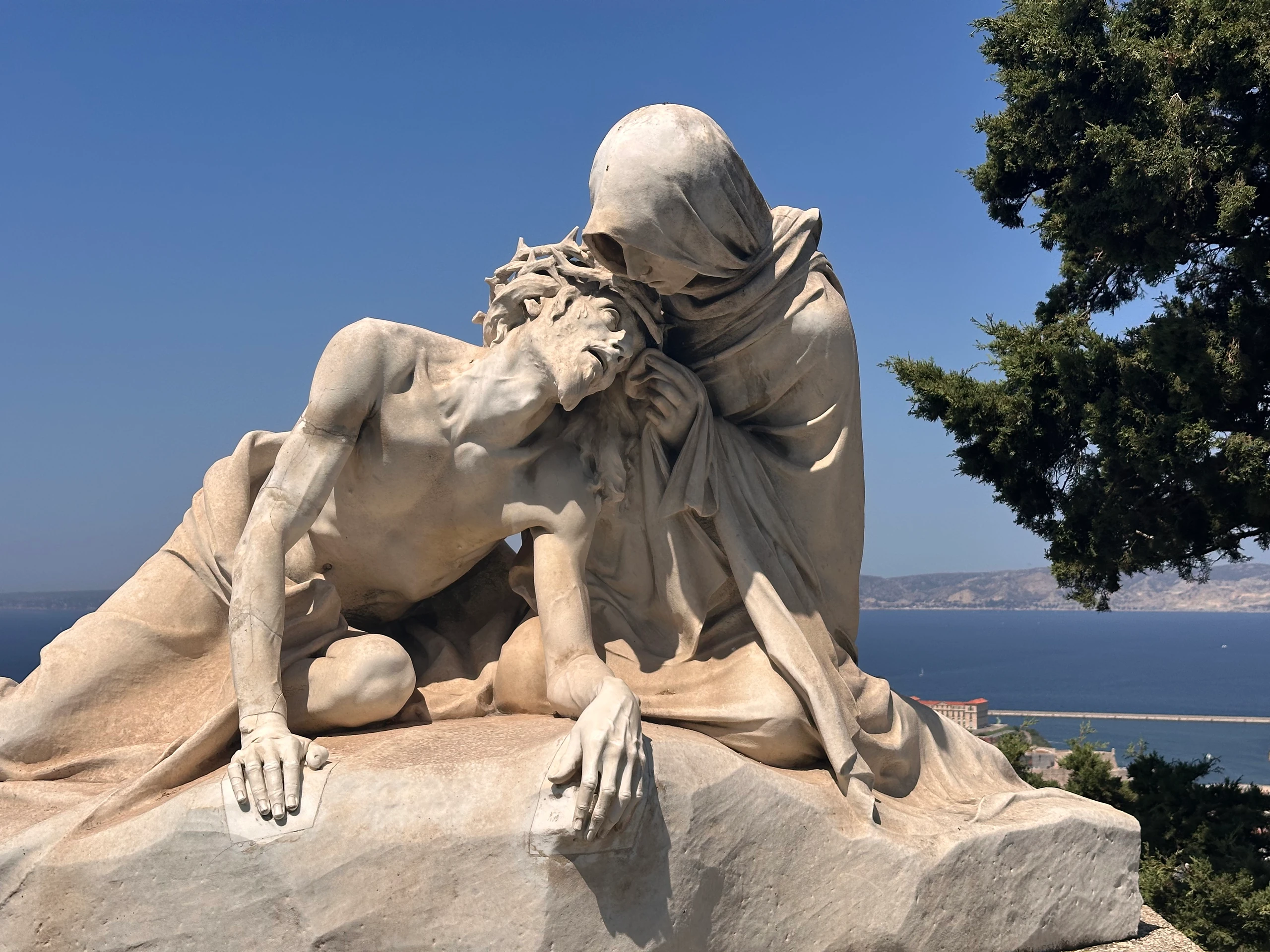
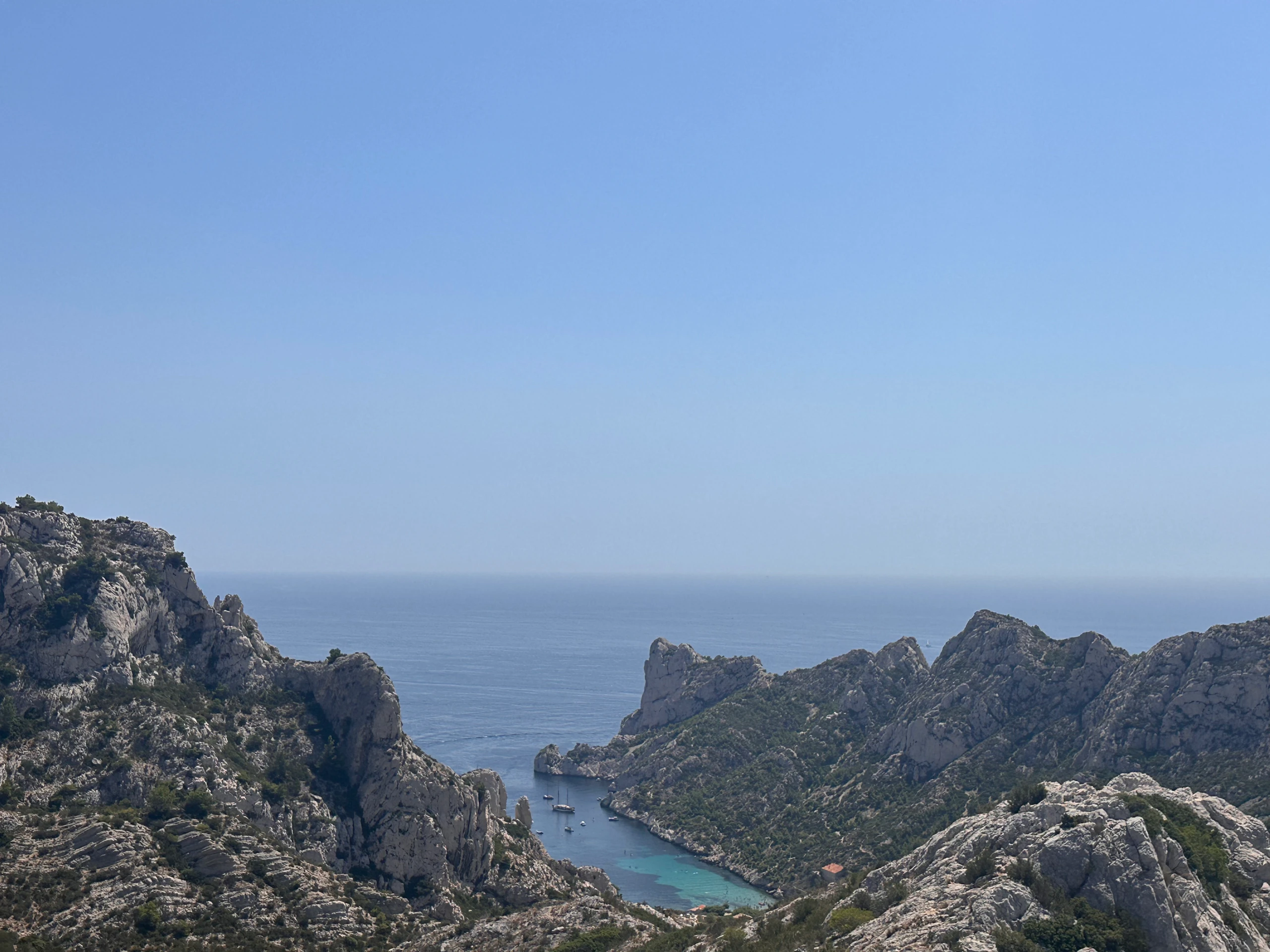
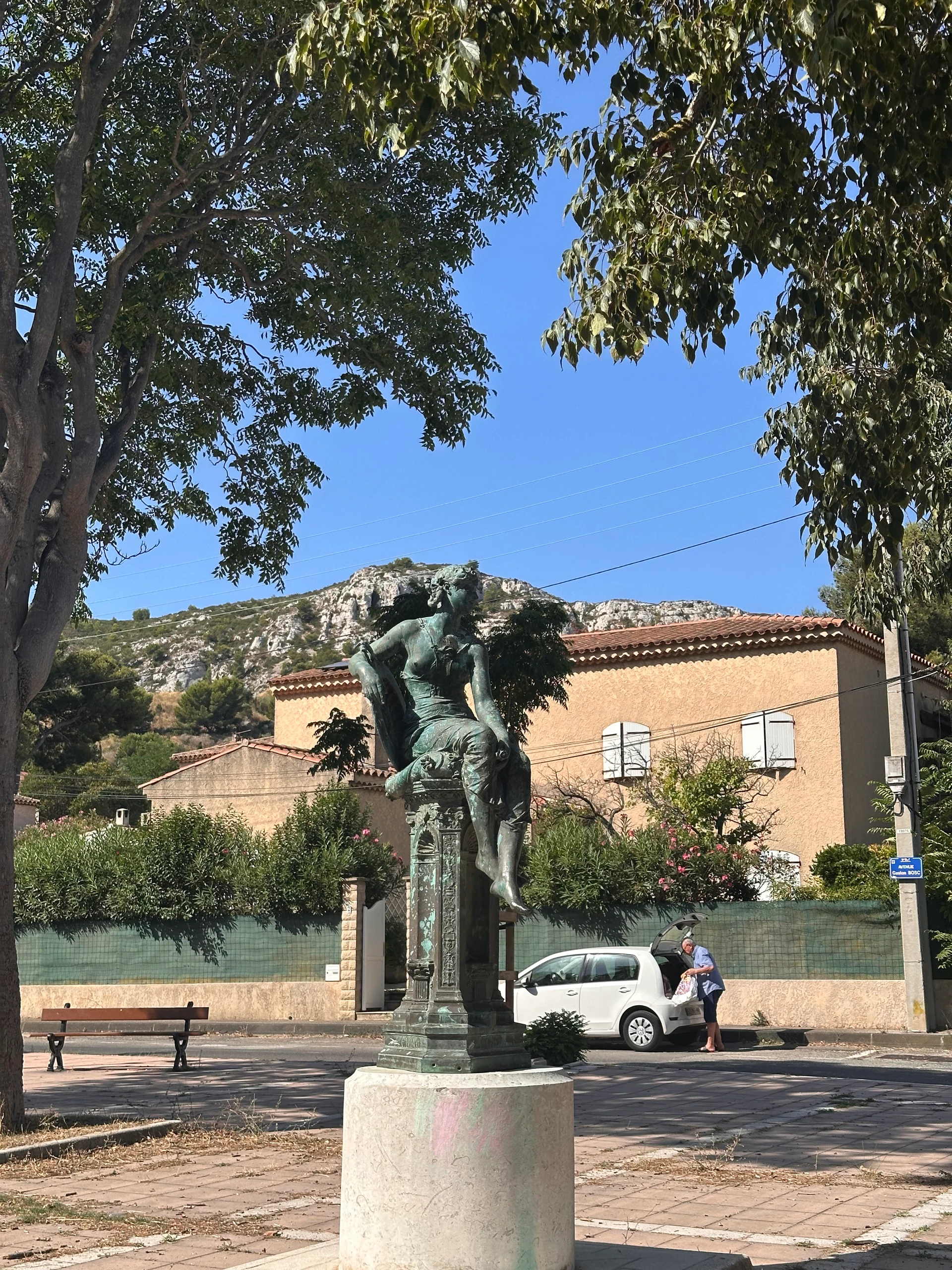
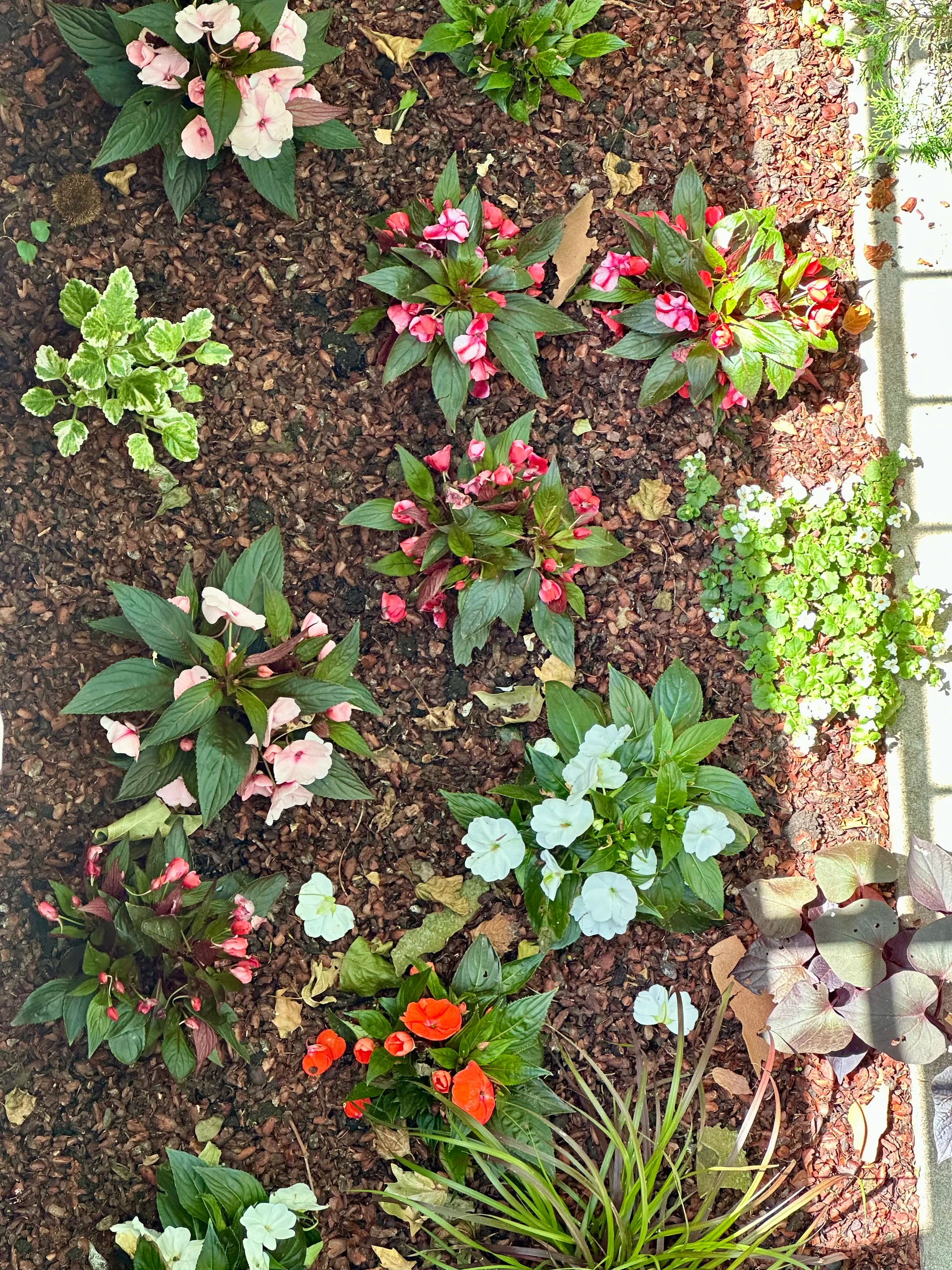
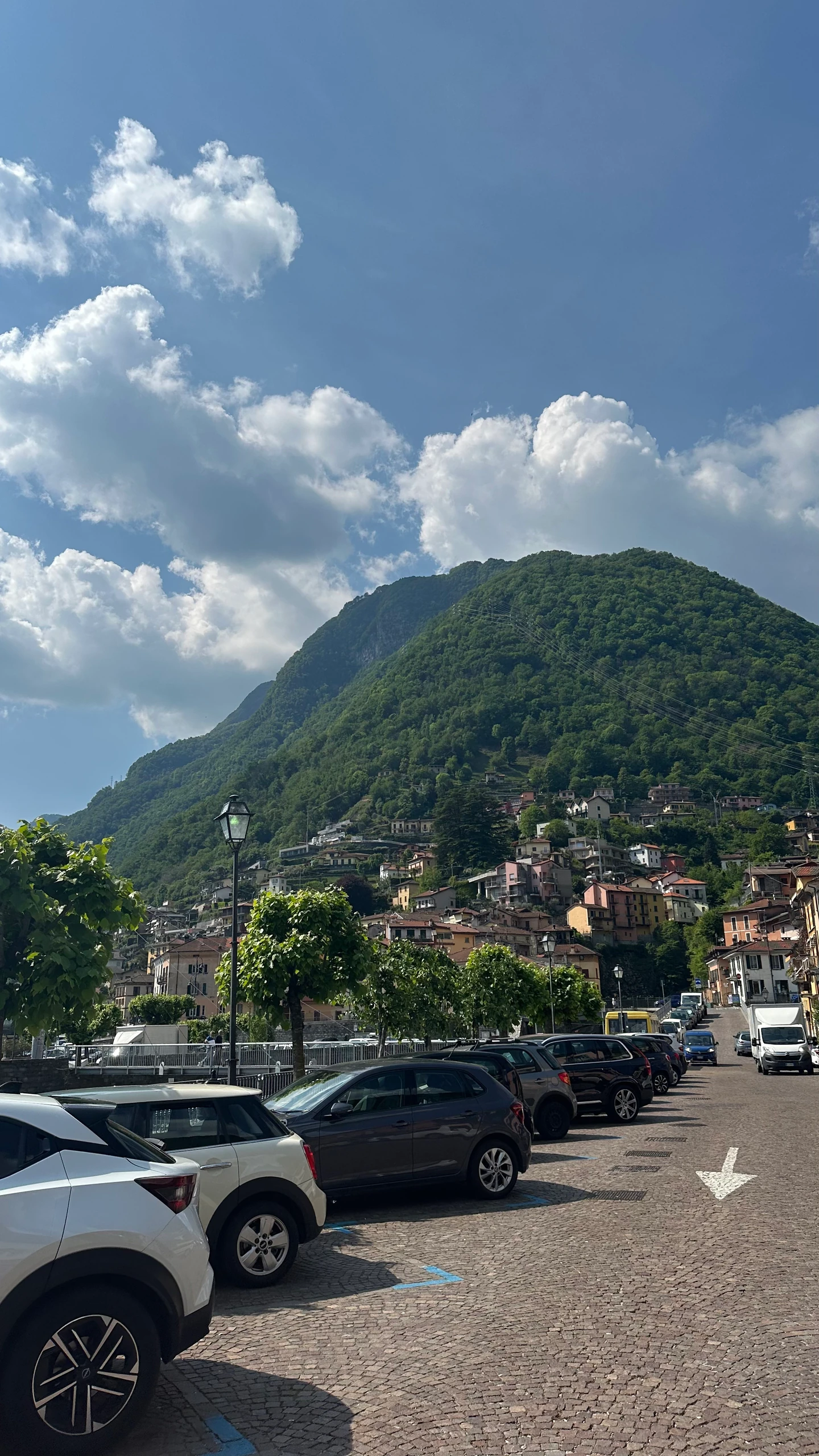
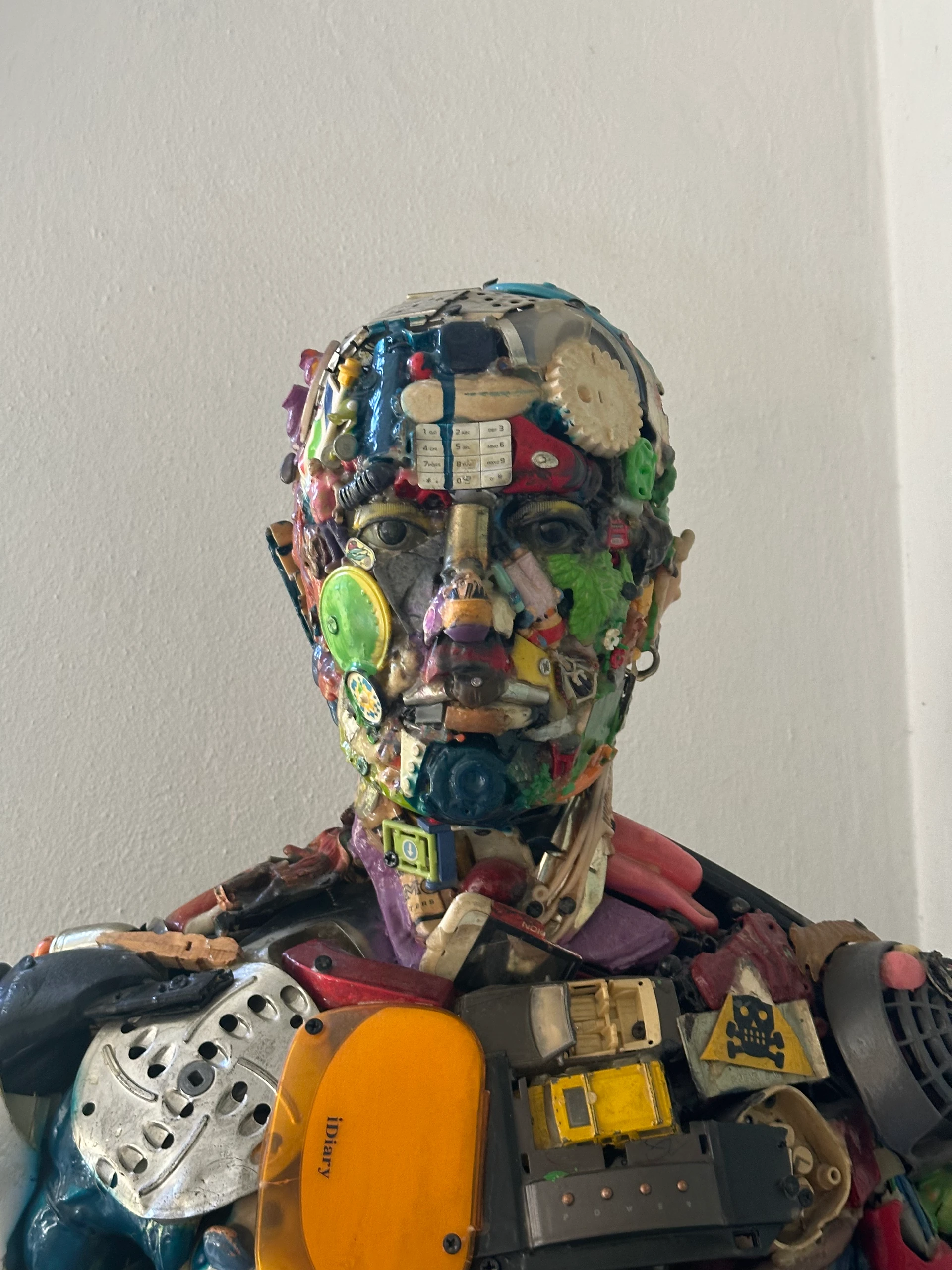
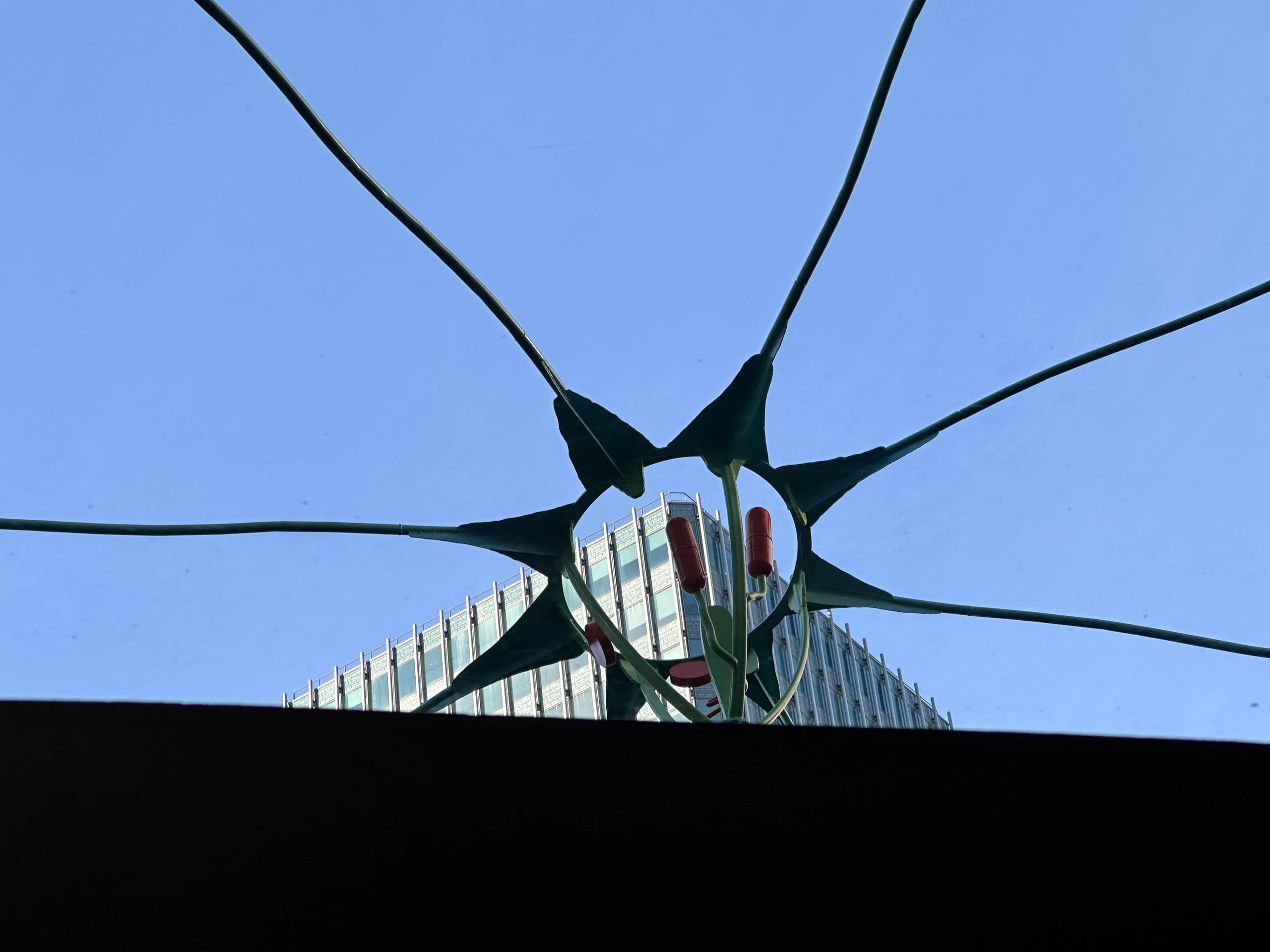
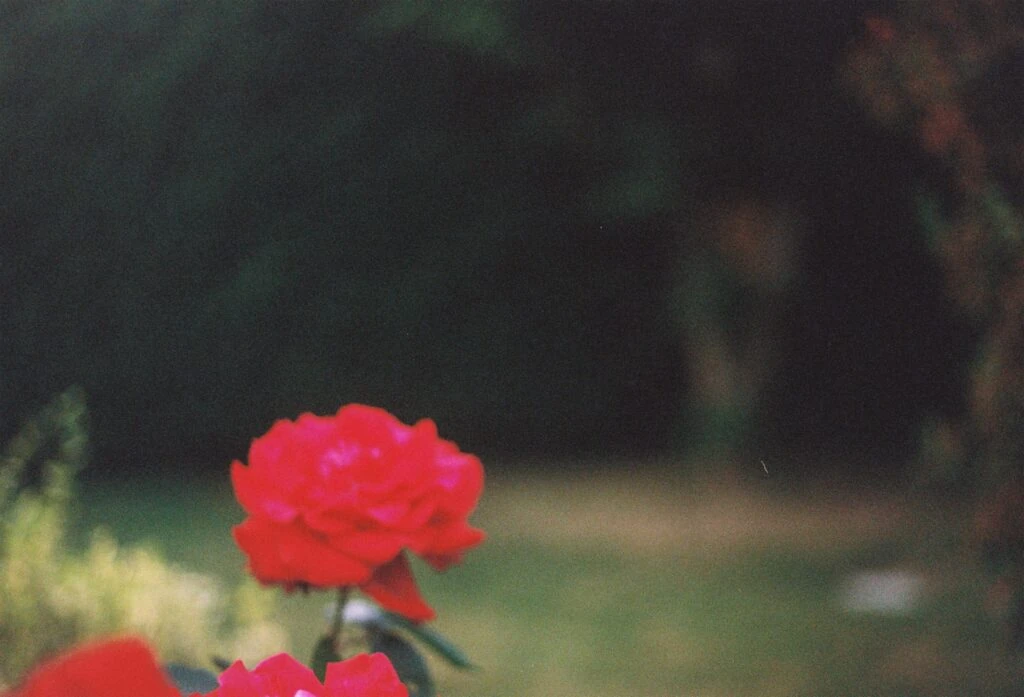
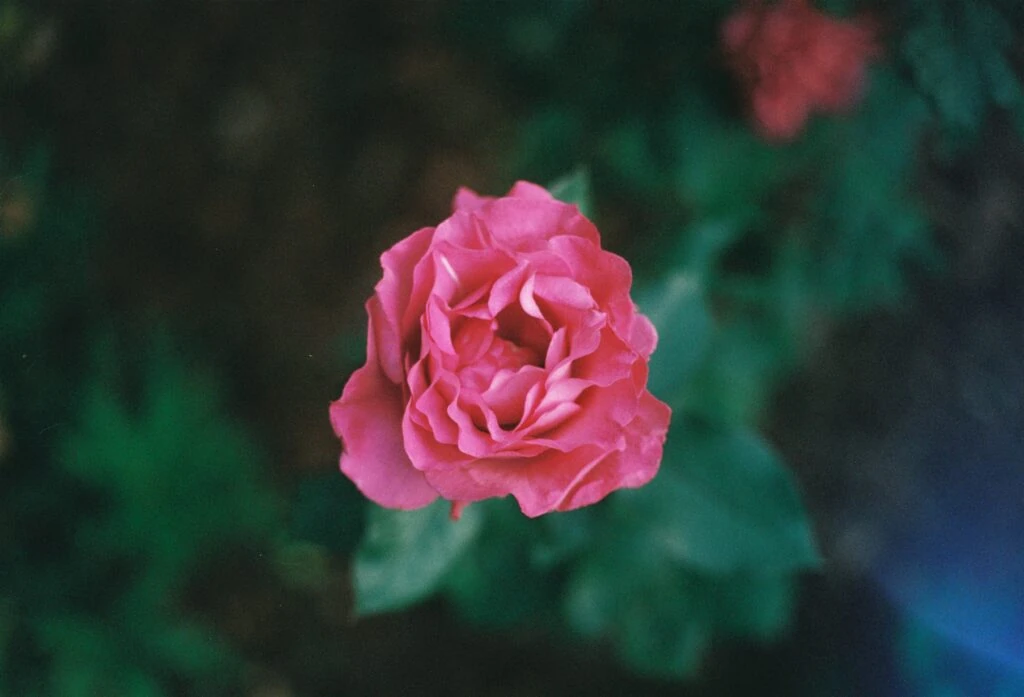
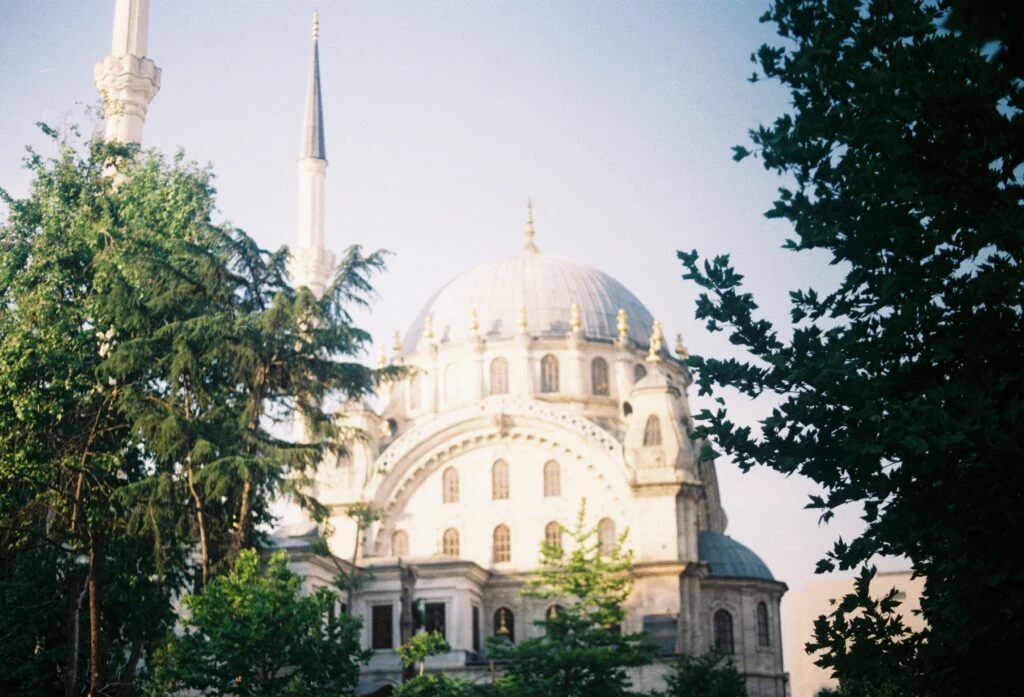
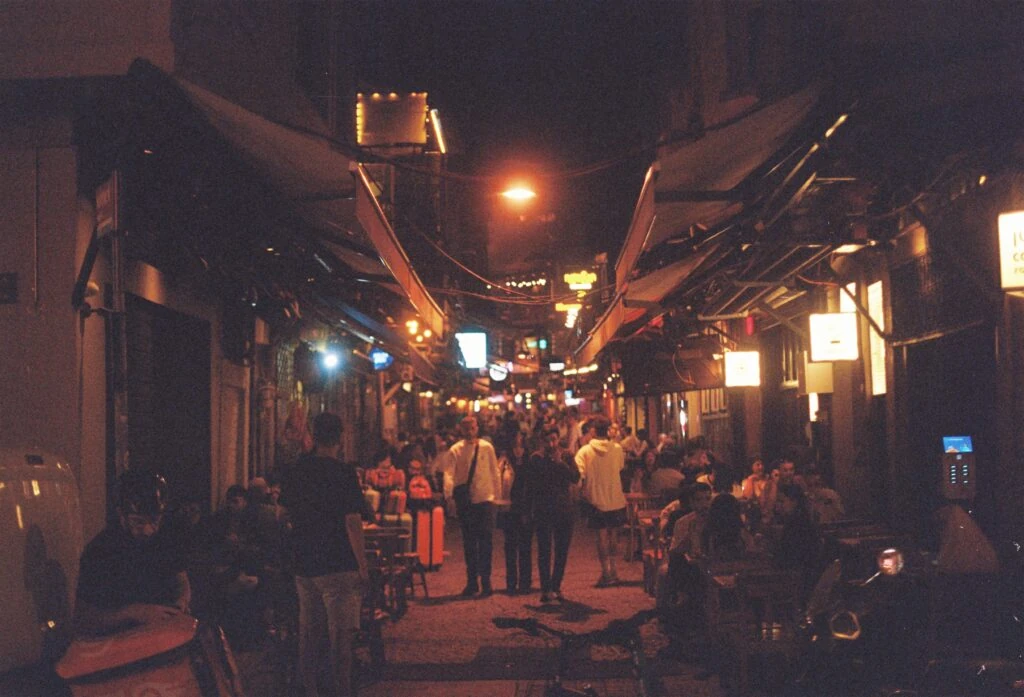
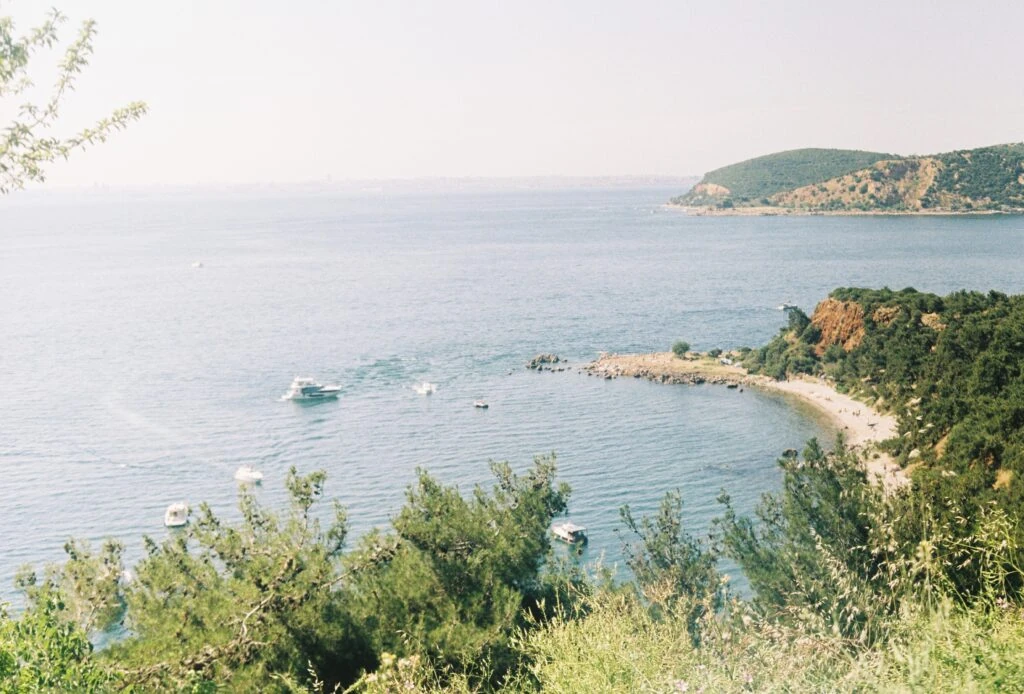
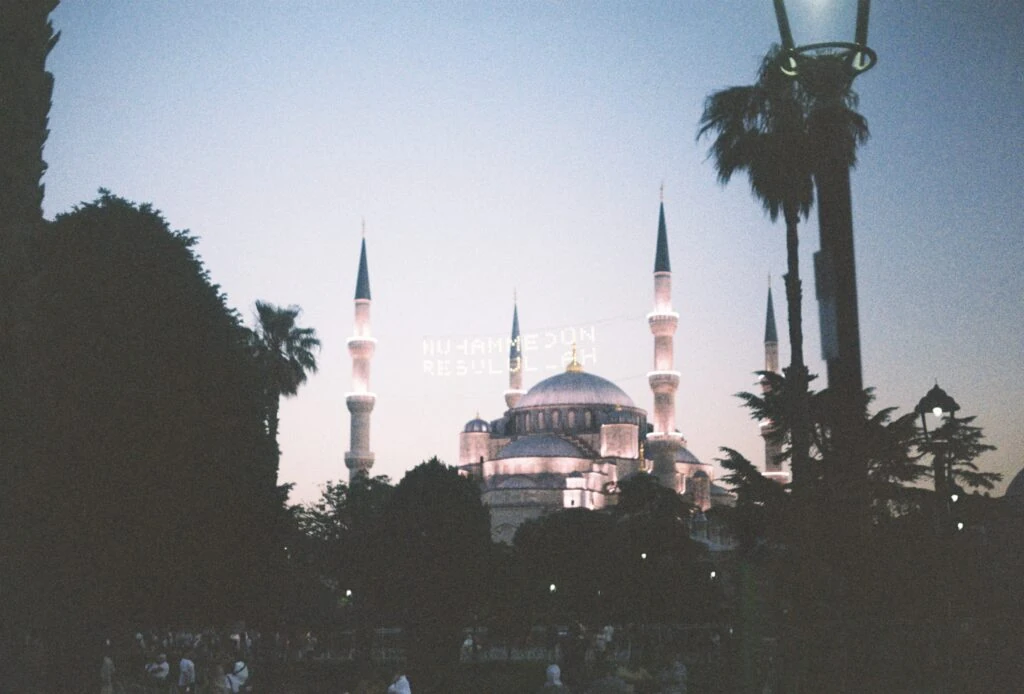
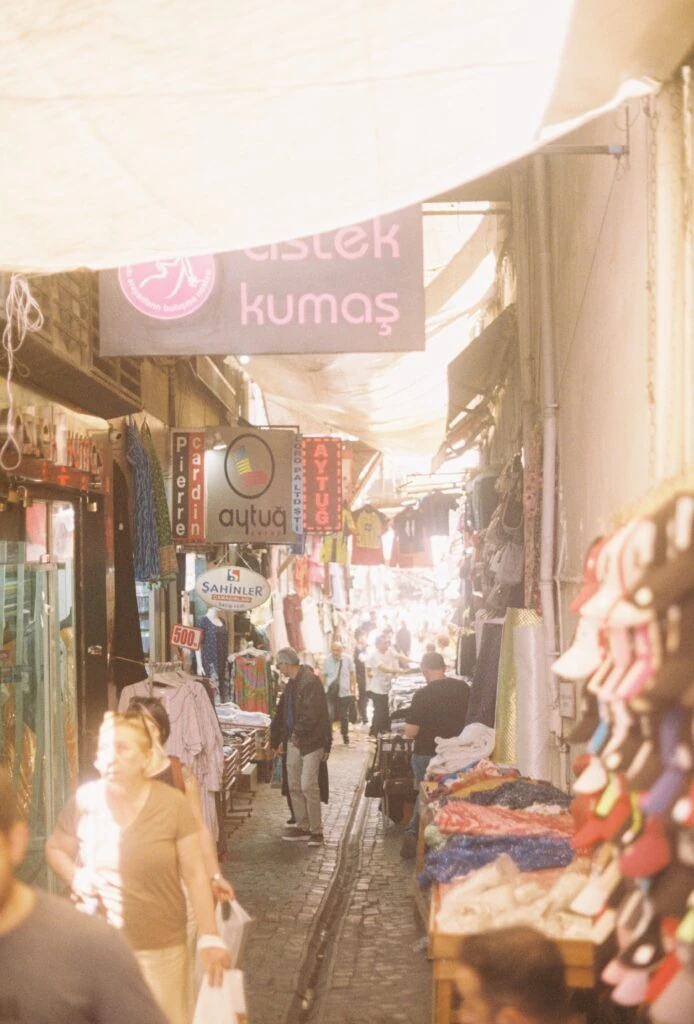
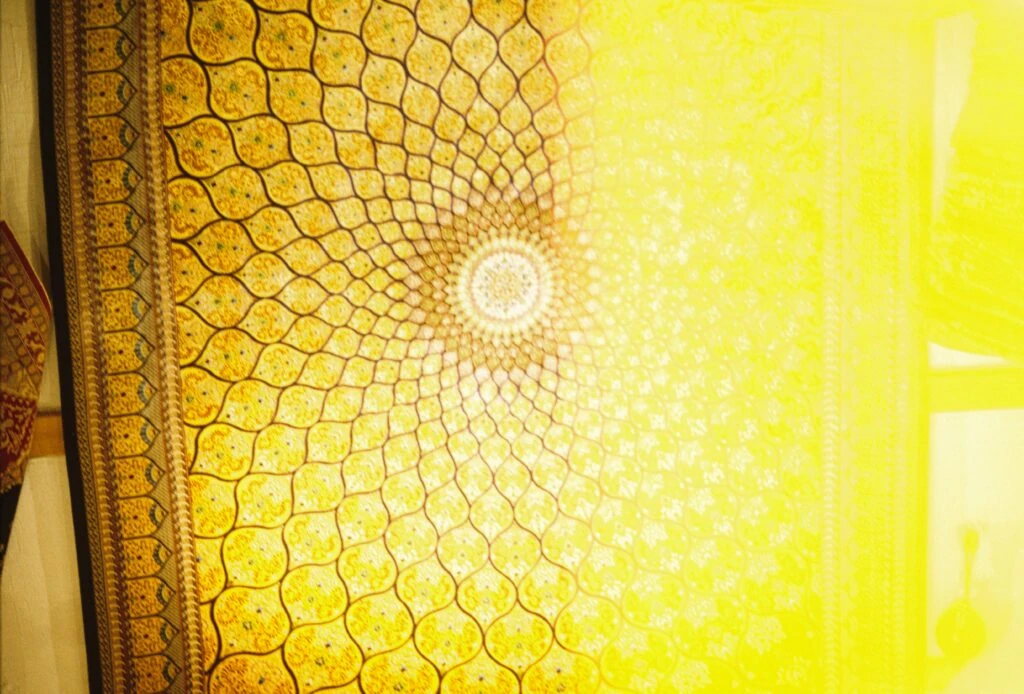
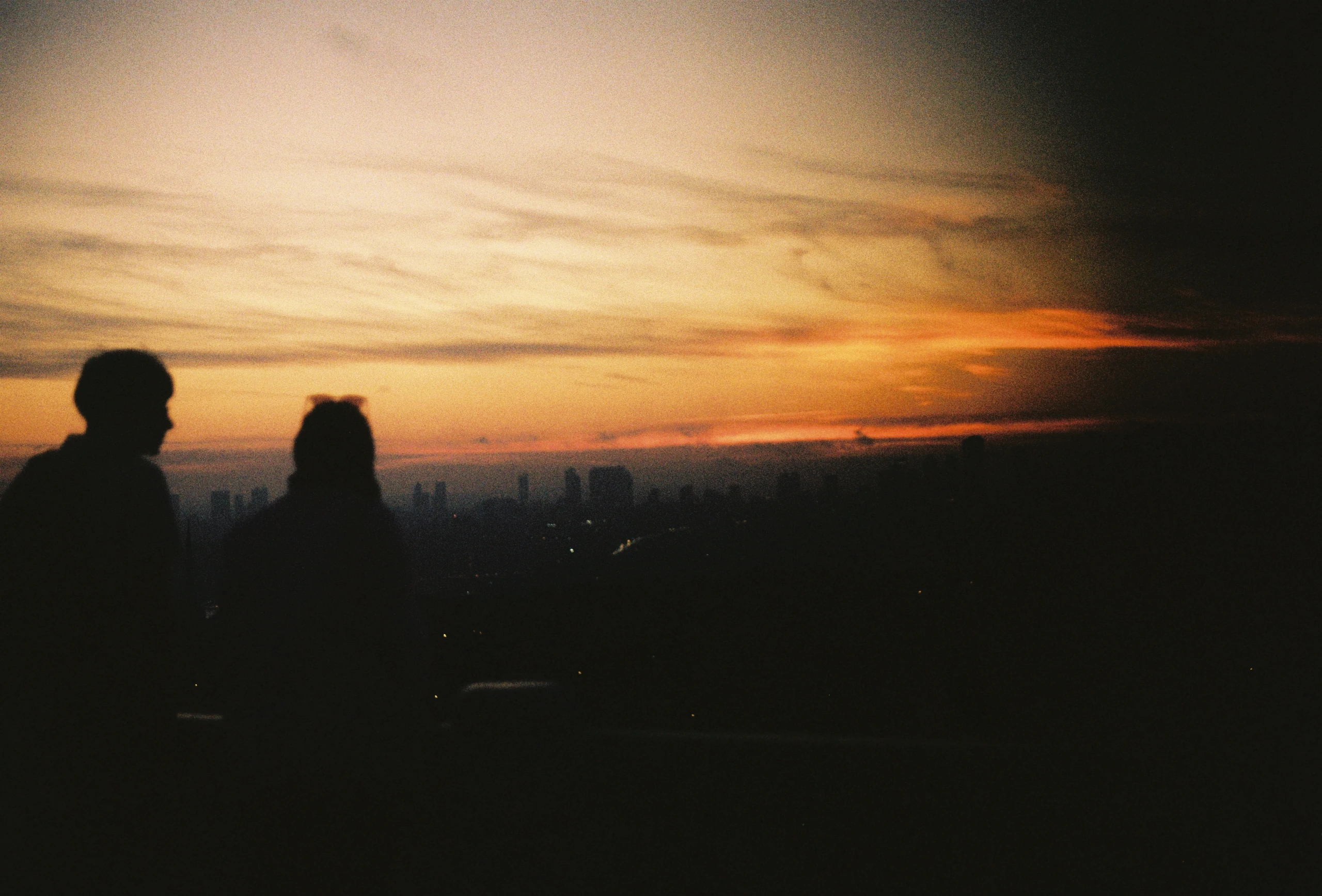
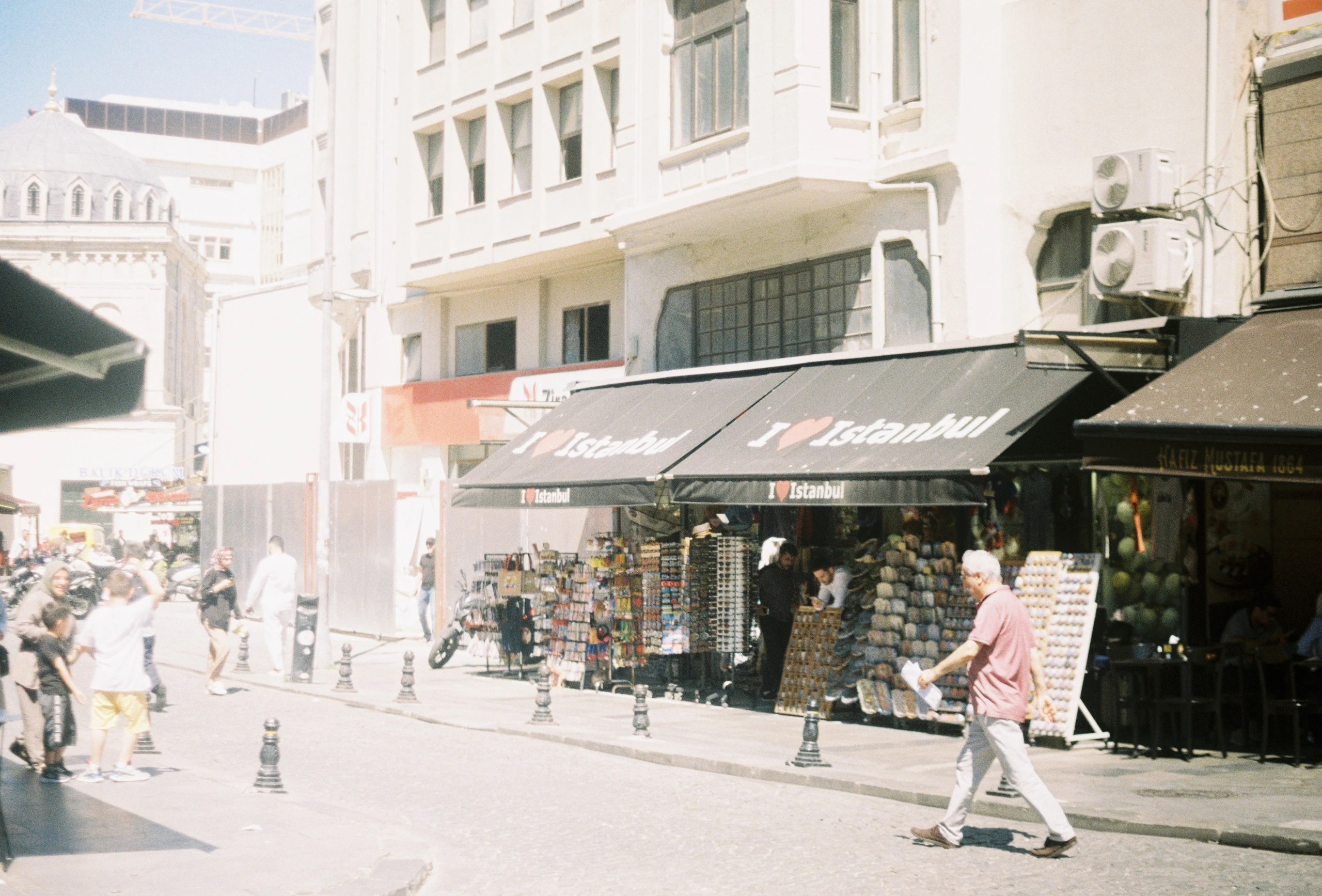
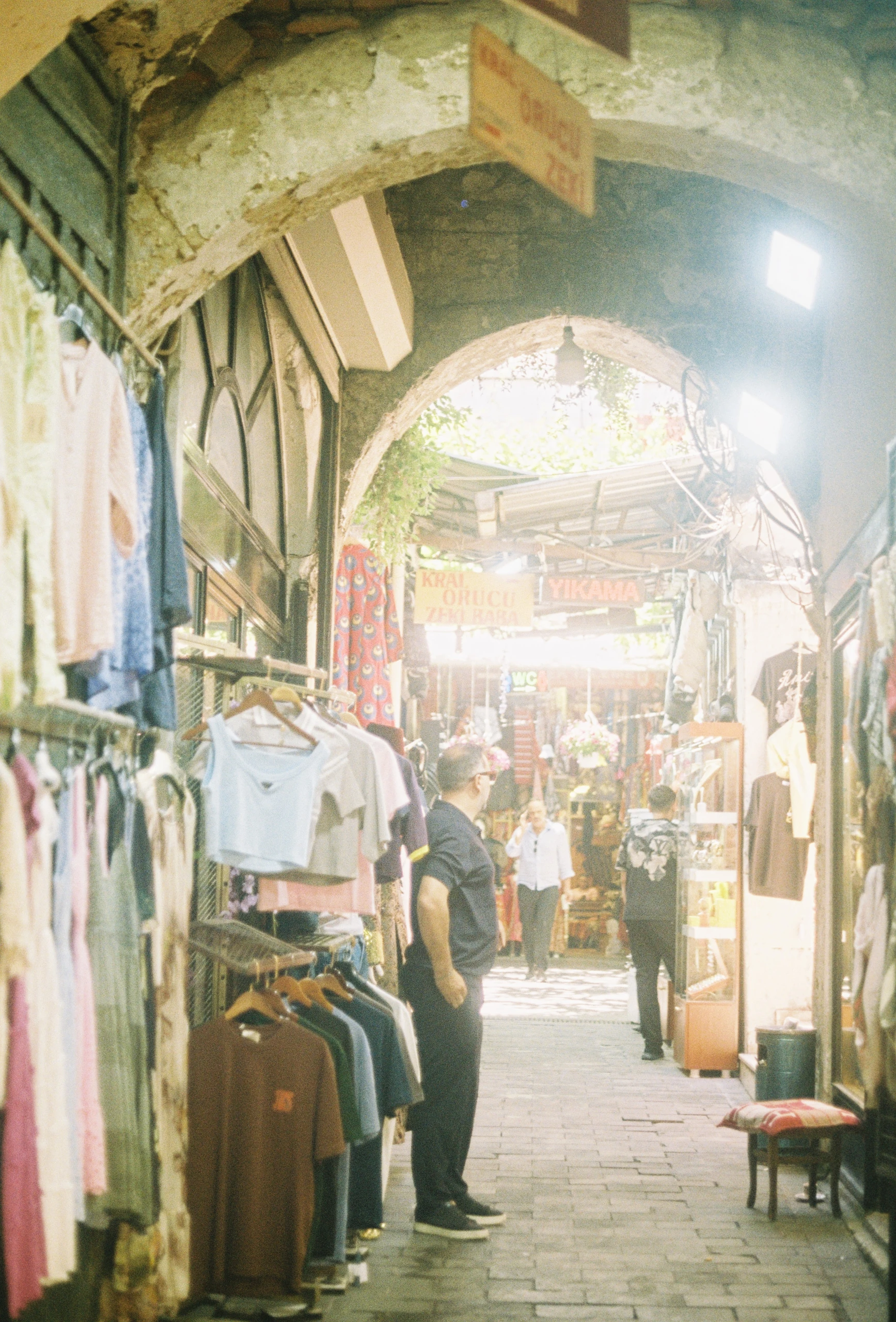
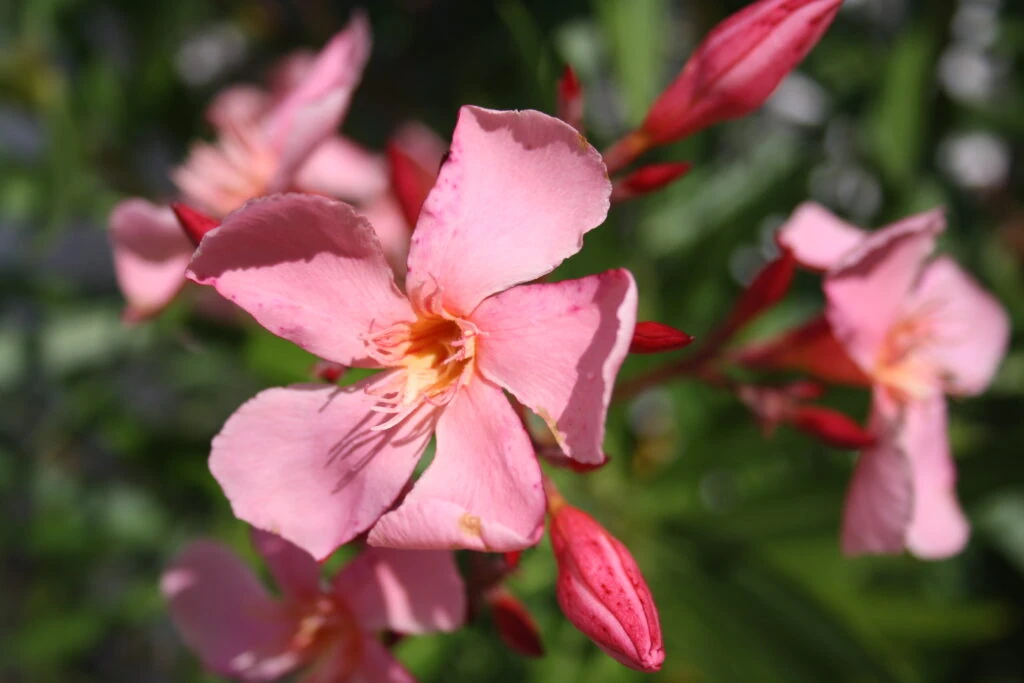
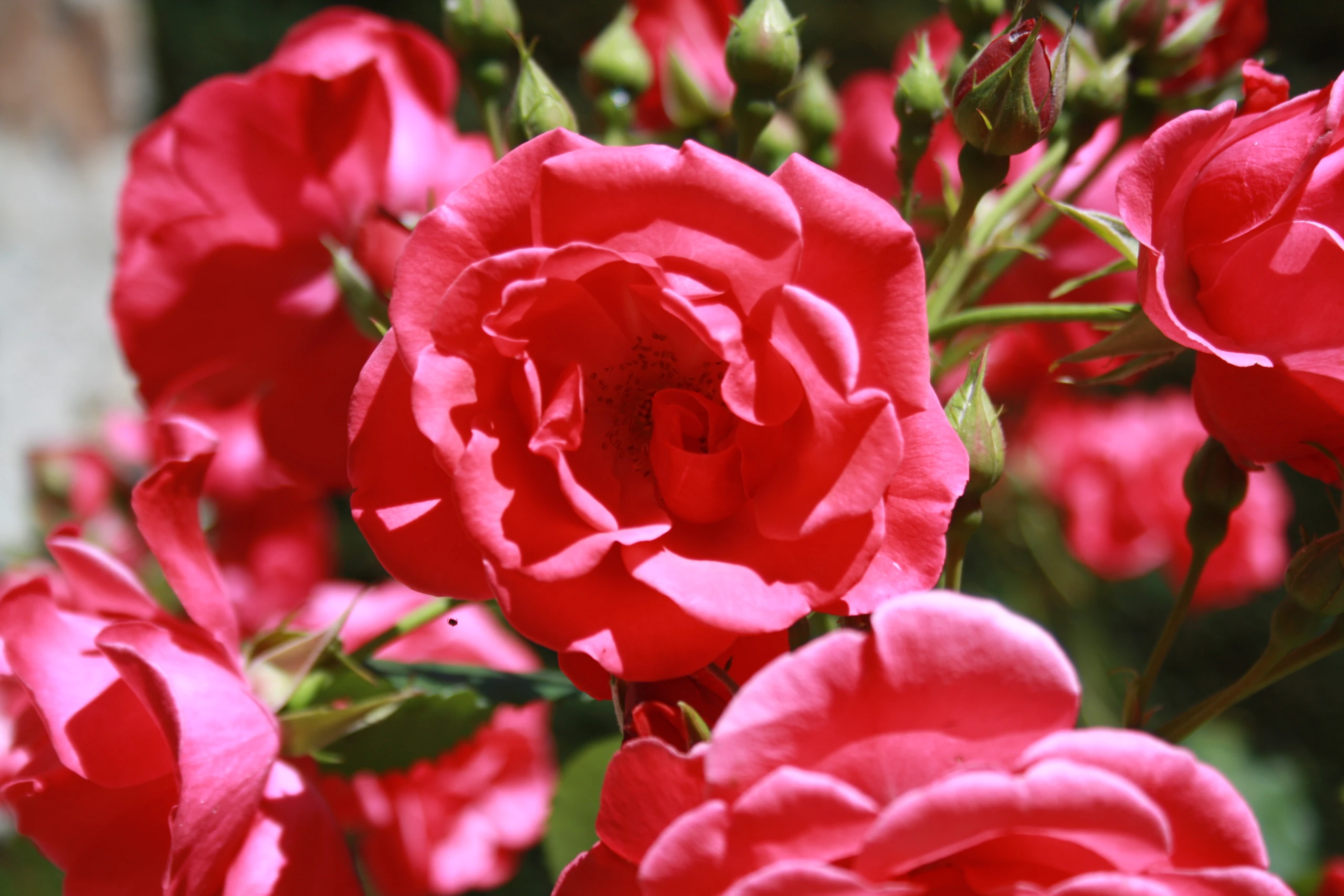
Here is a collection of photos I have taken around the world. I have been passionate about photography since childhood. While my early attempts weren’t the best, the rapid improvement in smartphone camera technology inspired me to invest in a high-quality phone to capture better images. Recently, I also purchased a film camera for my travels. I take countless photos, and I’ve curated the very best of them here to share my vision of the world.
iPhone 14 Pro
Toronto, CanadaNiagara GorgeToronto, CanadaToronto, CanadaToronto, CanadaToronto, CanadaToronto, CanadaToronto, CanadaMarseille, FranceMarseille, FranceCalanques of Marseille, FranceMarseille, FranceParis, FranceArgegno, Lake Como, ItalyMilan, ItalyParis, France
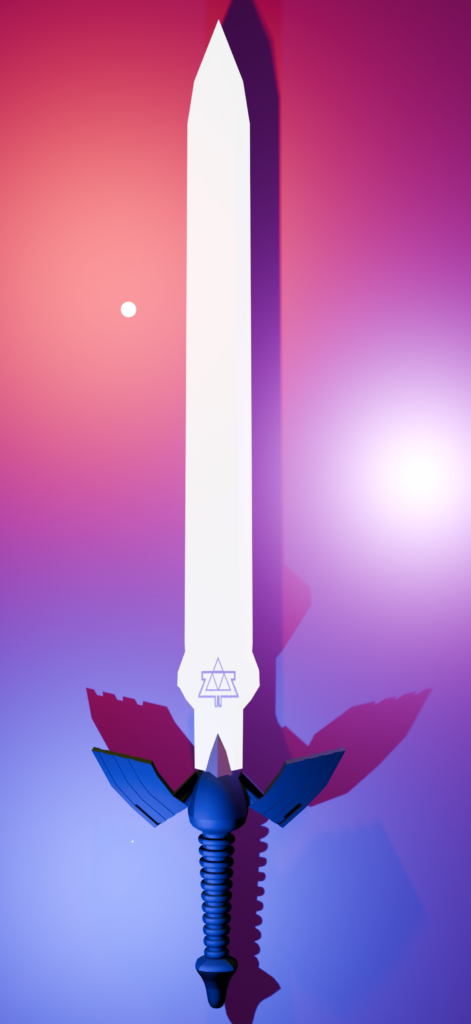
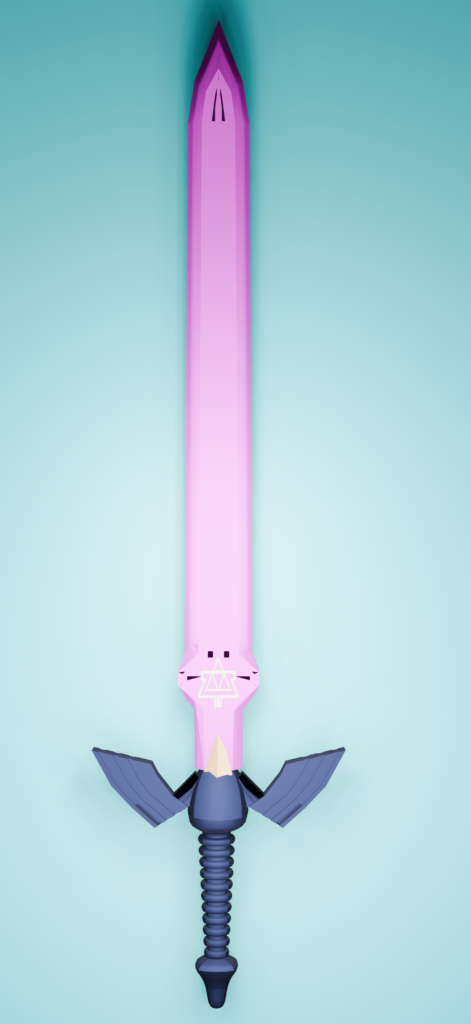
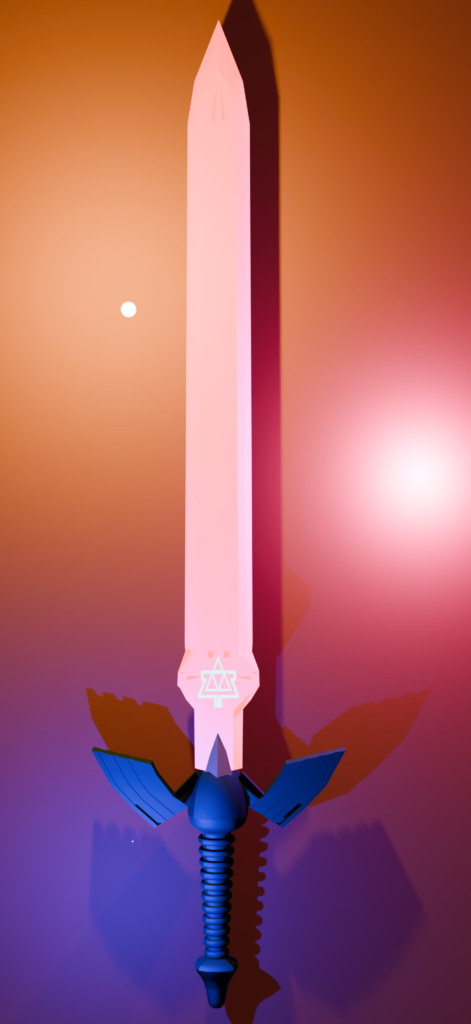
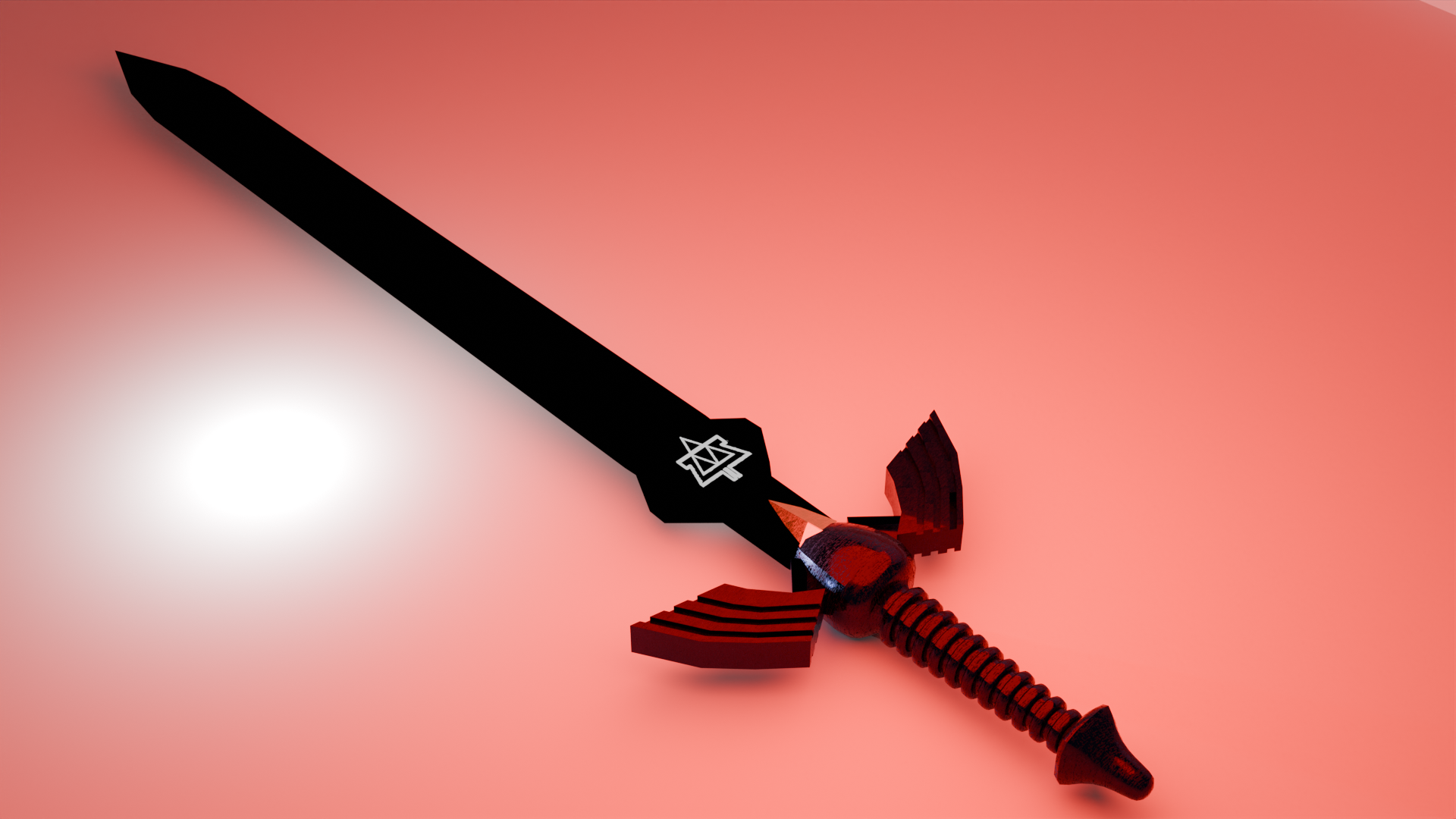
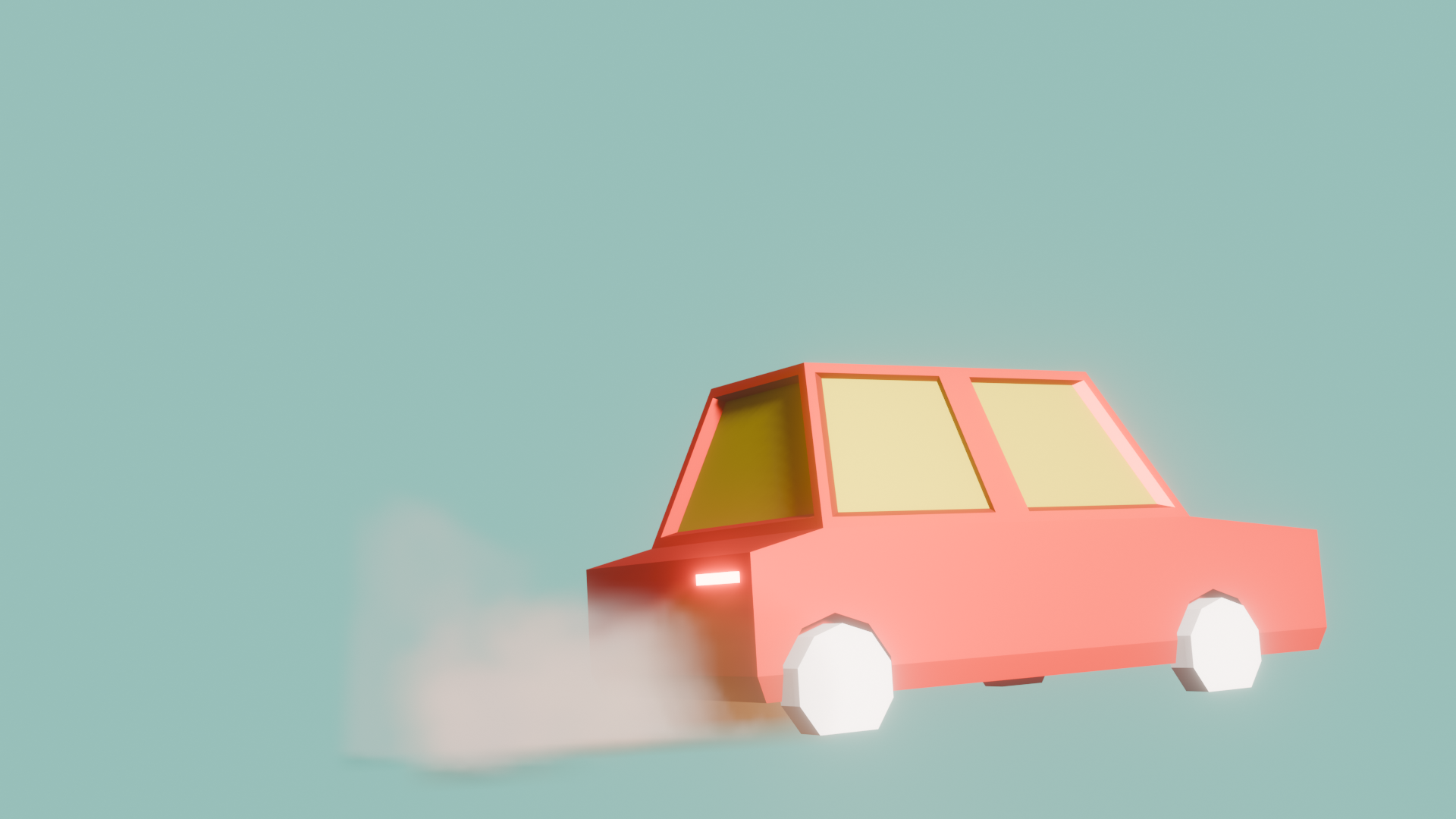
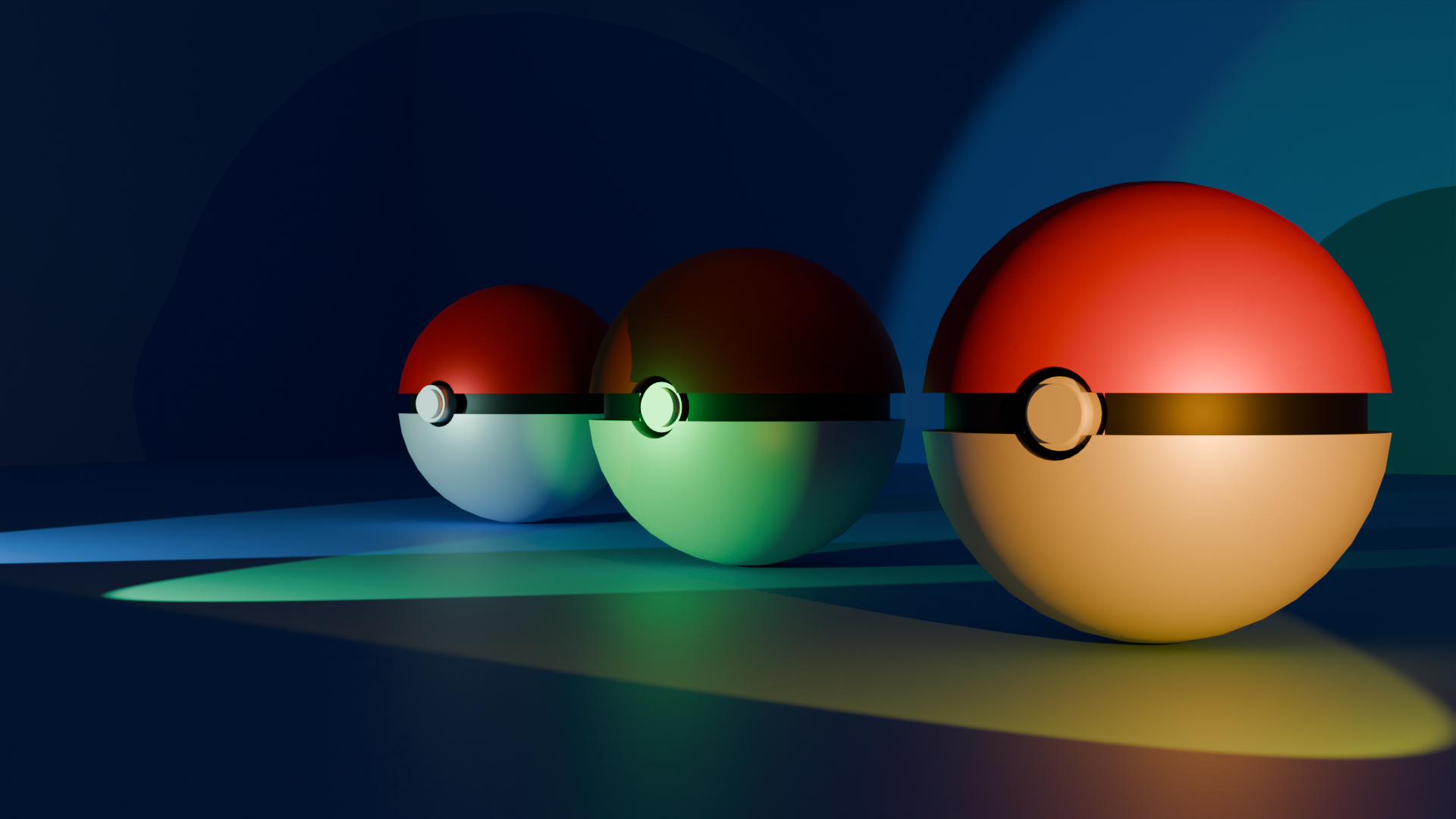
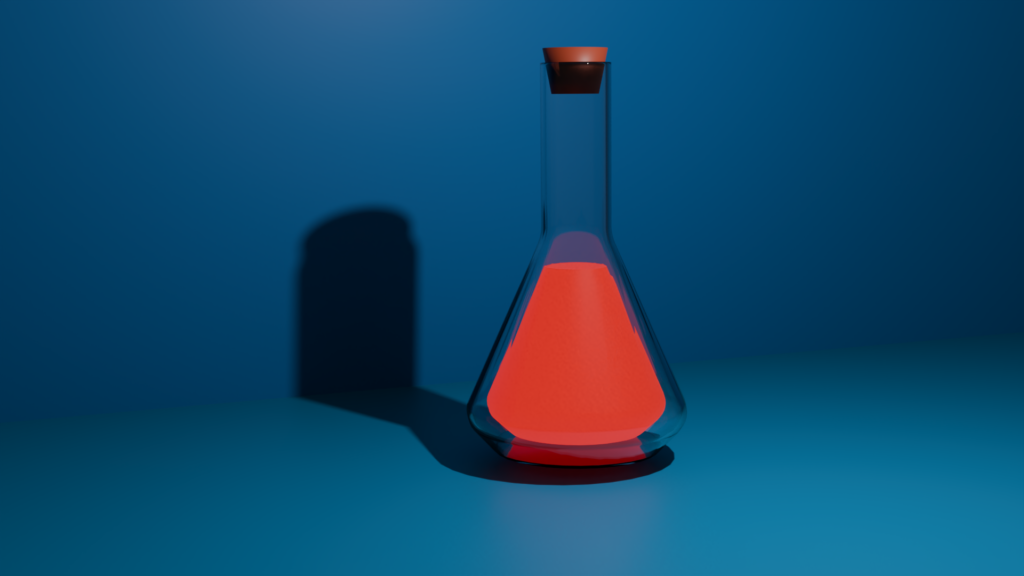
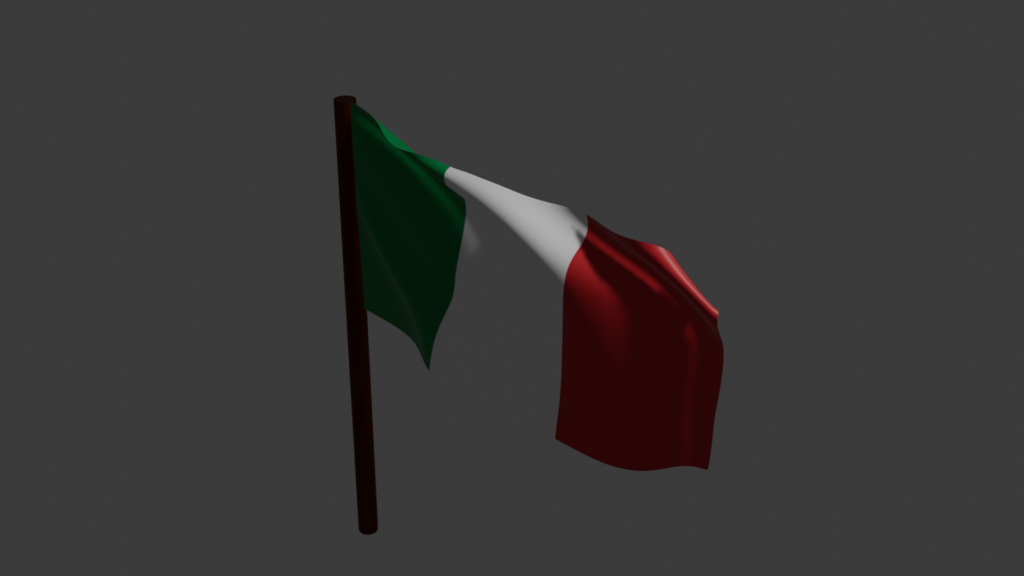
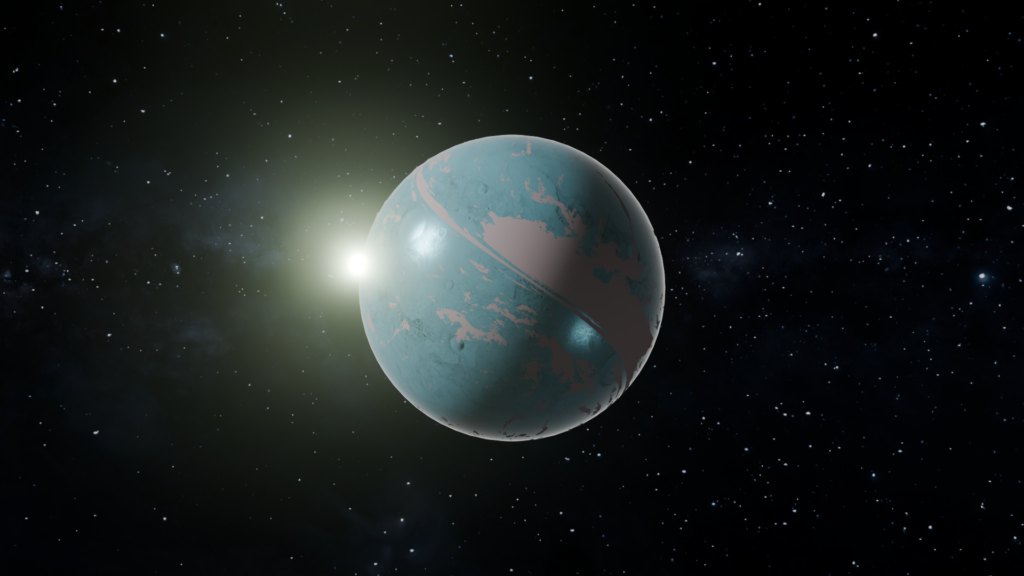
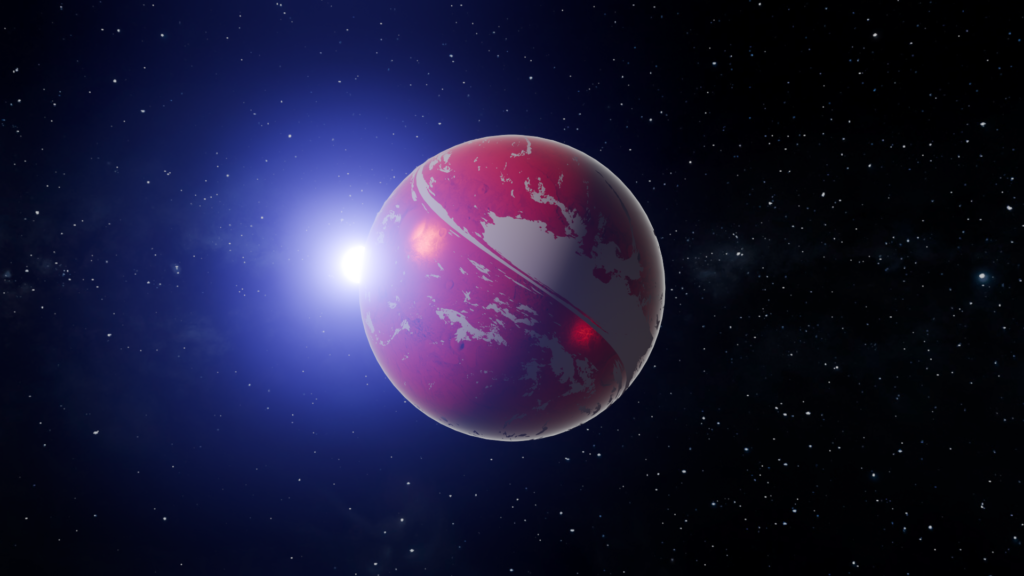
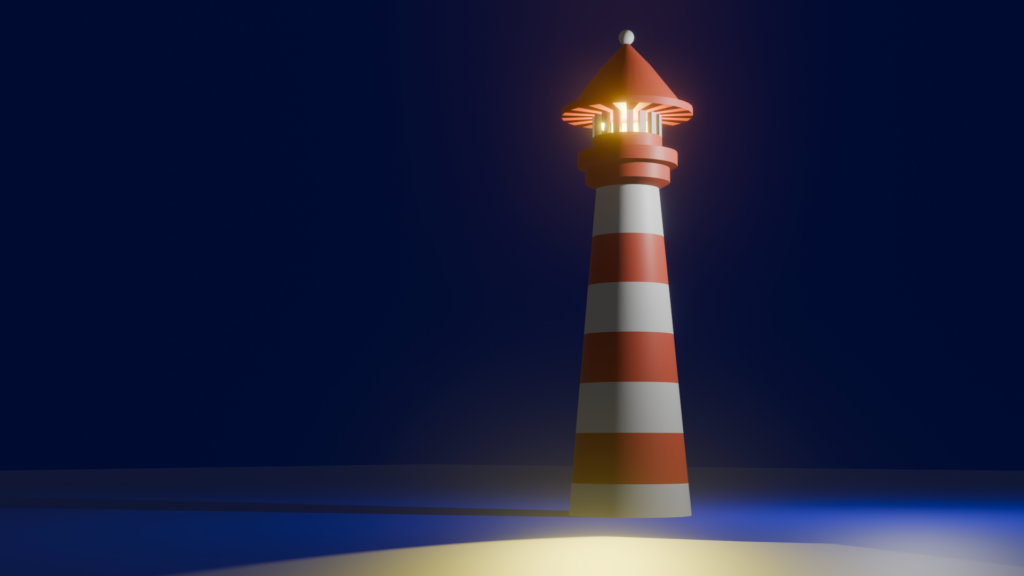
Welcome to my portfolio! Here is some of my recent work featuring various Blender objects that I’ve created. I am currently a beginner with about 20 hours of practice, but I am learning Blender to better visualize assets in 3D and eventually use them in my interactive applications.
Why I started creating Blender objects Modeling 3D assets helps me gain a deeper understanding of different shapes and the complete 3D modeling workflow. After watching a few official tutorials on YouTube, I started making my first basic Blender objects. I also want to understanding the topology, how light interacts with materials, and the mechanics of vertices and faces has been a game-changer for my development skills. It forces me to think spatially and understand how physical forms are constructed in a digital space. From simple shapes to complex Blender objects During these first 20 hours, I focused on everyday items to practice scaling, proportions, and basic texturing. You will see below a few examples of these creations. Each model taught me a new tool, whether it was the extrude function, the bevel modifier, or basic UV mapping. What’s next for my 3D skills? I plan to keep practicing and designing more advanced Blender objects to help my projects in engineering. My ultimate goal is to understand the full pipeline, from modeling to importing assets into game engines. Stay tuned for more updates on my 3D learning journey!
Master Sword
Other things
Planet
Lighthouse
About
I am a third-year EEA and mathematics student at Sorbonne University. My interests include embedded systems, robotics, photography and 3D modelling.
StudiesThird-year EEA and mathematics, Sorbonne University
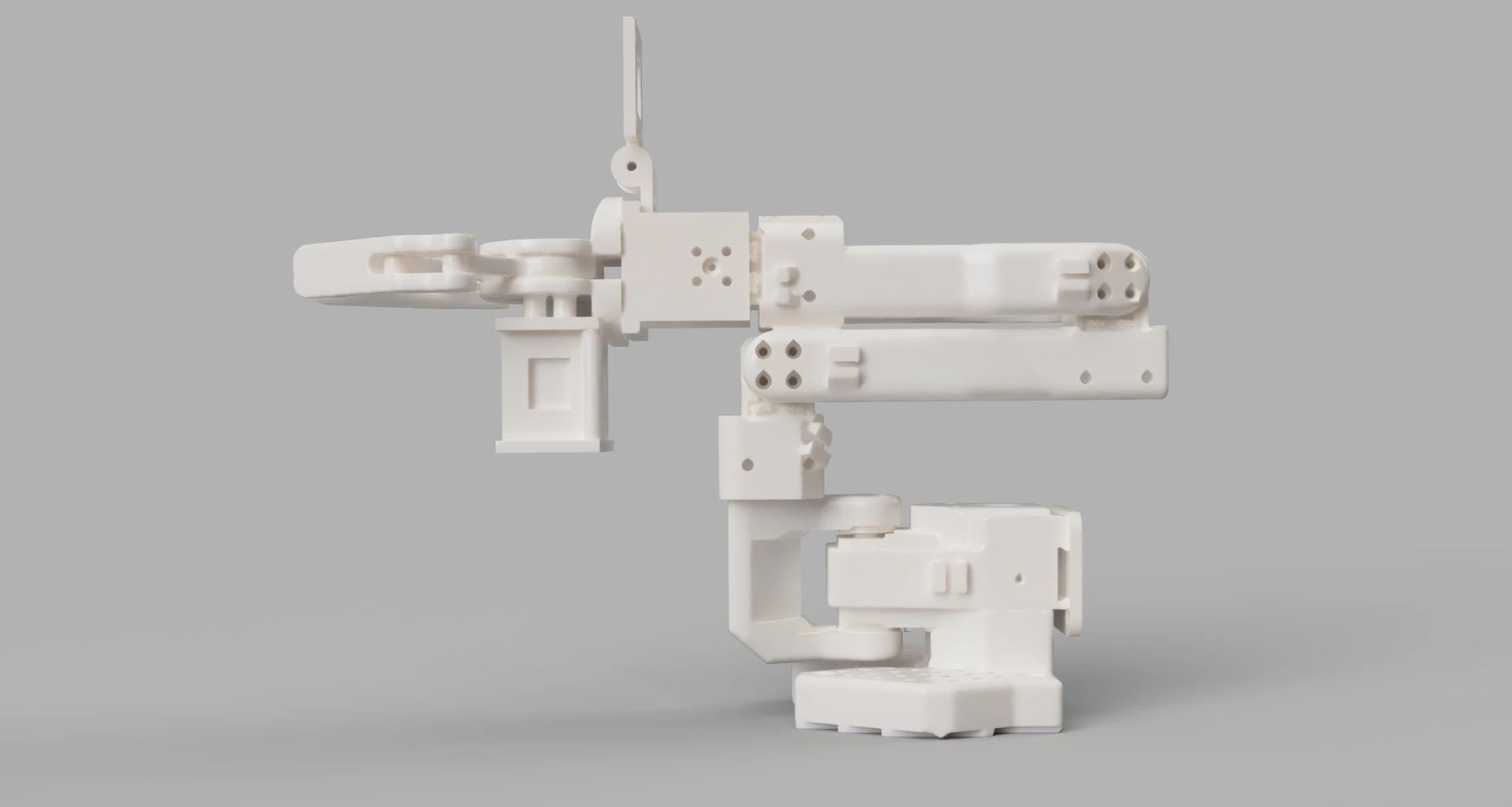
I had the idea to modify an SO-100 robotic arm by adding an improved gripper, a power distribution board and a USB camera. The goal is to bring mechanics, electronics and computer vision together under ROS 2.
Project status: in development. The improved gripper and camera mount have been designed. The power board and system integration are under development.
3D rendering of the modified SO-100 with its improved gripper and camera mount.
Adapting the gripper and camera
I designed the camera mount and worked on the gripper system in Onshape, then combined these elements with the open-source SO-100 arm model. This adaptation brings together the improved gripper and a mount for a USB webcam connected to the Raspberry Pi. The camera will provide images for future object detection.
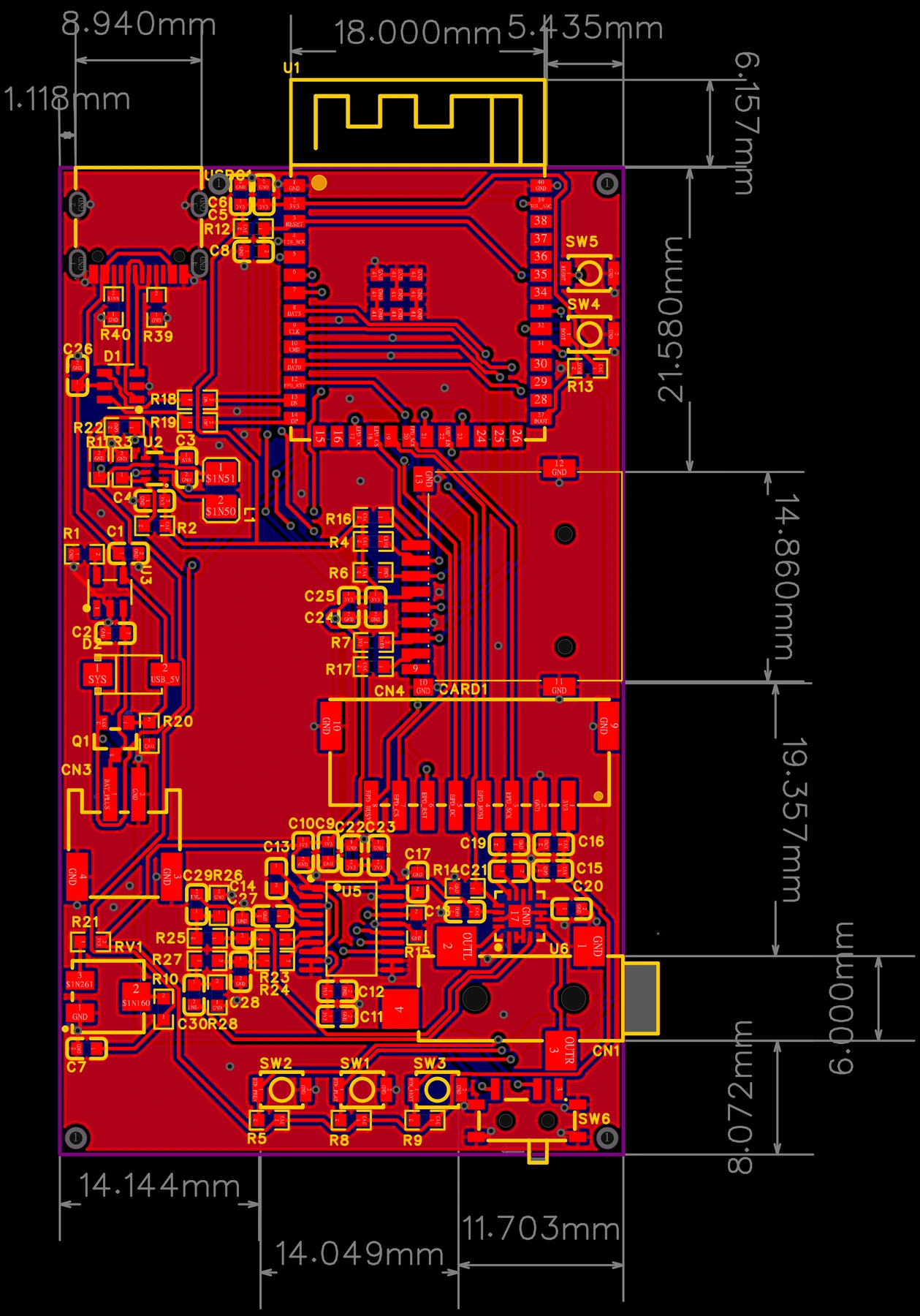
A dedicated power distribution board
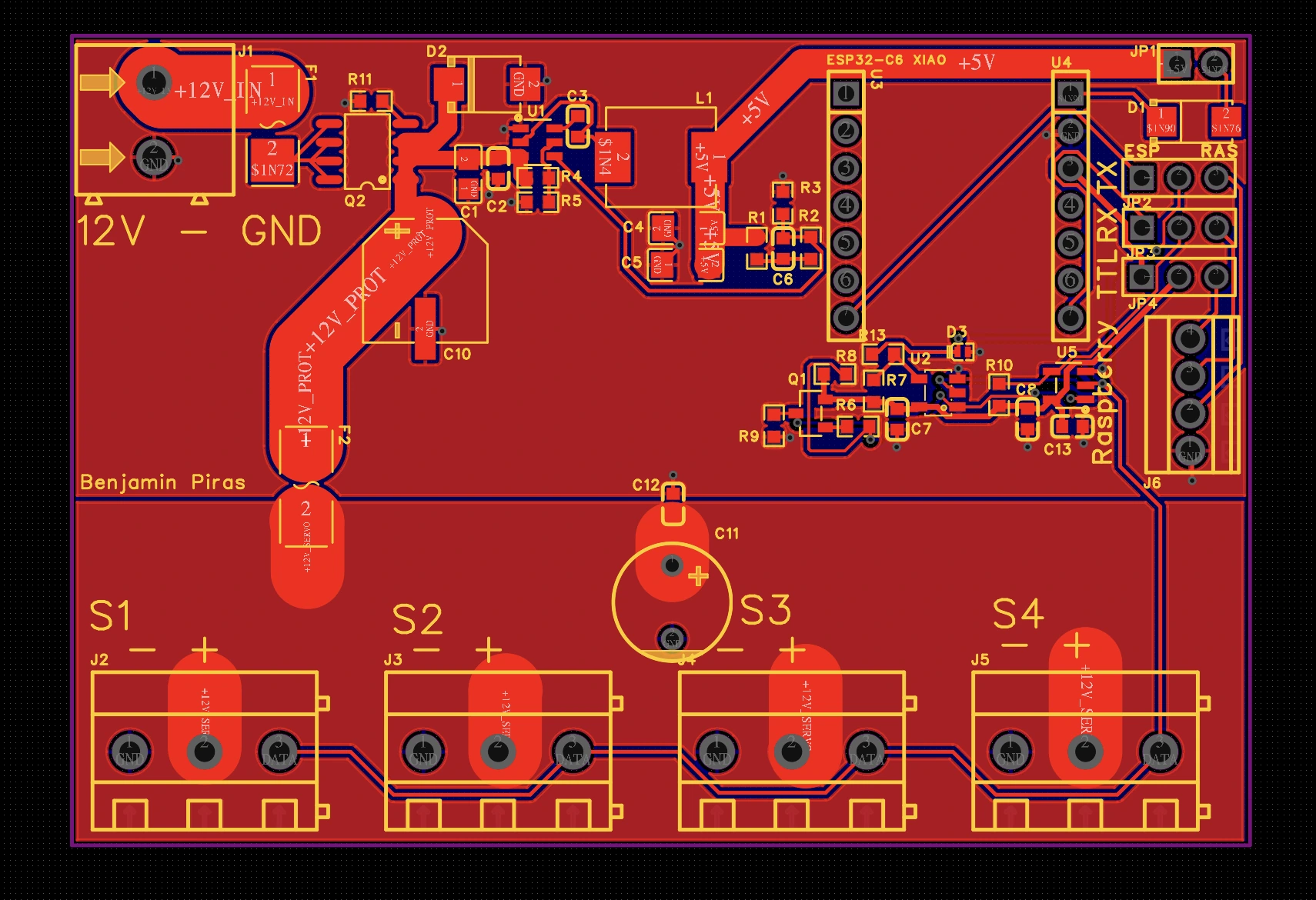
I am developing a PCB to supply six Feetech servomotors. The design target is 12 V at 16 A, approximately 200 W. These figures describe the board’s intended specifications.
The servos communicate over a TTL bus, allowing them to be daisy-chained and controlled through a shared connection.
Power distribution PCB under development for the arm’s servomotors.
Designing the board with EasyEDA
I used EasyEDA to design this board and found it very practical. The bill of materials (BOM, the component list) can be generated directly from the project, and the library lets me check JLCPCB component references and stock for assembly.
Compared with tools that are less directly connected to the manufacturer, this integration avoids a lot of back-and-forth to find components and check their availability. I could prepare my component list while designing the PCB: it saved me a lot of time.
Control with ROS 2
The planned controller is a Raspberry Pi 4 Model B with 8 GB of RAM. ROS 2 will structure communication between the robot’s components. This project is a practical way for me to learn robotics by connecting hardware and software.
Foxglove is planned for monitoring servo data and visualizing the arm in 3D, helping with observation and troubleshooting.
Planned system architecture: control, communication and computer vision.
Adding computer vision
The next software step is to integrate YOLO for object detection in the webcam images and train a model using images captured by the robot.
I am also exploring OpenClaw as a way to query an AI model when detections are uncertain. This remains an experimental direction to evaluate.
Next steps
The next stages are hardware integration, power distribution validation, servo control under ROS 2 and object detection evaluation.